Free Textures for Blender
Photorealistic rendering in Blender depends on high-quality textures. Texturize gives you 50 procedural generators that produce seamless, tileable textures you can plug directly into Blender’s Shader Editor. Every texture is designed to tile without visible seams when using the Repeat extension mode on your Image Texture nodes.
The workflow is straightforward: generate a texture, download the PNG, load it into an Image Texture node, and connect it to the Base Color input of a Principled BSDF shader. For added realism, run the same texture through our Normal Map Generator to create a bump or normal map. This two-texture approach — diffuse plus normal — is enough to make surfaces look convincingly physical in both Cycles and EEVEE.
Every texture is procedurally generated and released under our royalty-free license. Use them freely in personal renders, client work, animations, and commercial projects. No attribution required.
Recommended Generators for Blender
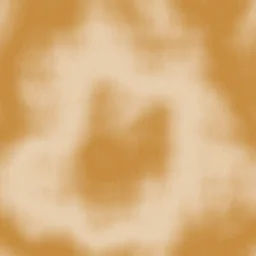
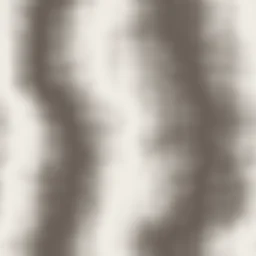
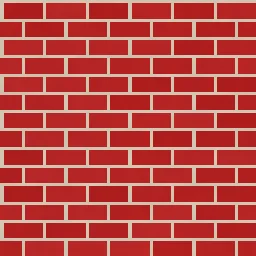
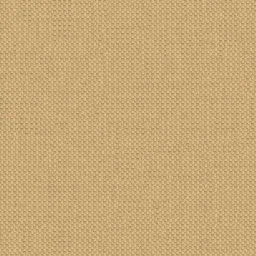
Natural materials and surfaces that work well as Principled BSDF base color inputs for architectural visualization, product renders, and scene building.

How to Use Textures in Blender
Generate and download your texture
Choose a generator that matches the surface you need. Adjust controls, then download the PNG at your preferred resolution. 2048px is a solid default for most renders.
Open the Shader Editor
Select your object in Blender, switch to the Shader Editor workspace, and make sure you have a Principled BSDF node connected to the Material Output.
Add an Image Texture node
Press Shift+A, navigate to Texture > Image Texture, and place the node. Click Open and load your downloaded PNG file.
Connect to Principled BSDF
Drag from the Color output of the Image Texture node to the Base Color input of the Principled BSDF. Your texture should now appear on the surface in Material Preview mode.
Set extension to Repeat
On the Image Texture node, confirm the Extension dropdown is set to Repeat. This ensures the texture tiles seamlessly across UV-mapped surfaces.
Adjust UV scale if needed
Add a Mapping node (Shift+A > Vector > Mapping) between a Texture Coordinate node and your Image Texture. Change the Scale values to control how large or small the texture appears on the surface.
Generate matching Normal Maps
After downloading your diffuse texture, open it in the Normal Map Generator to create a matching normal map. In Blender, add a second Image Texture node with the normal map loaded, set its Color Space to Non-Color, and connect it through a Normal Map node to the Normal input of the Principled BSDF. This adds surface relief and realistic light interaction to your material.
Open Normal Map GeneratorUseful Tools for Blender Artists
Frequently Asked Questions
Do these textures work with both Cycles and EEVEE?
Yes. Texturize generates standard PNG image files that work identically in both Cycles and EEVEE. The Principled BSDF shader is the same across both render engines, so your material setup does not need to change when switching between them.
What color space should I use for imported textures?
For diffuse/color textures (Base Color), use the default sRGB color space. For normal maps, set the color space to Non-Color in the Image Texture node. This prevents Blender from applying gamma correction to data that should be interpreted as direction vectors.
How do I control how big the texture appears on my model?
Texture scale is controlled through UV mapping. You can either scale the UVs directly in the UV Editor, or add a Mapping node in the Shader Editor between a Texture Coordinate node and your Image Texture. Adjust the Scale X, Y, and Z values on the Mapping node to tile the texture more or fewer times across the surface.
Can I use these textures in commercial Blender projects?
Absolutely. All textures from Texturize are covered by our royalty-free license. You can use them in client work, product visualization, architectural renders, animations, and any other commercial Blender project without attribution or licensing fees.
Start creating textures for Blender
50 generators, seamless output, and instant PNG downloads — all free and browser-based.