Wood Textures for Unreal Engine
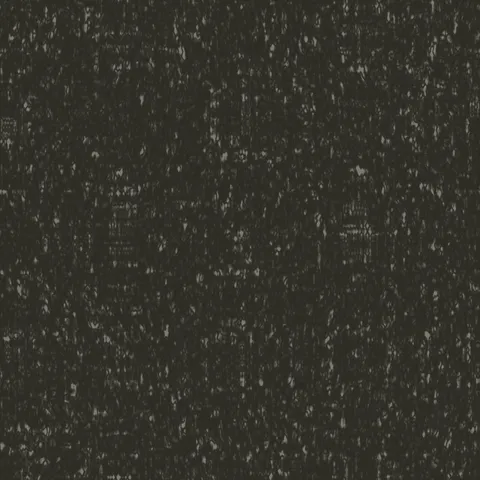
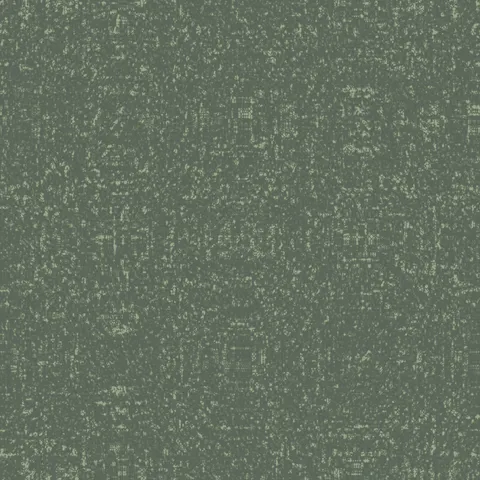
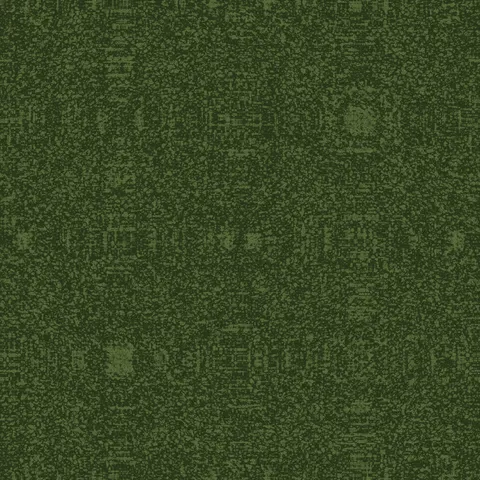
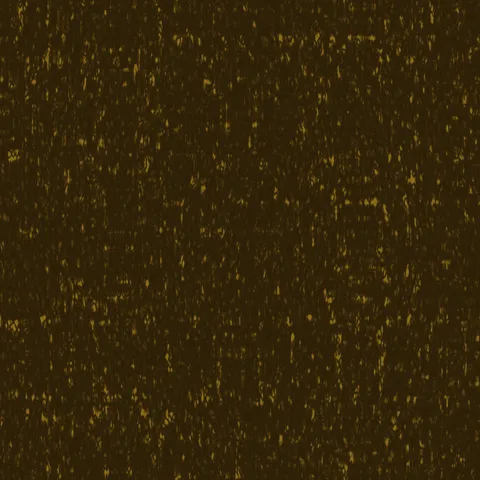
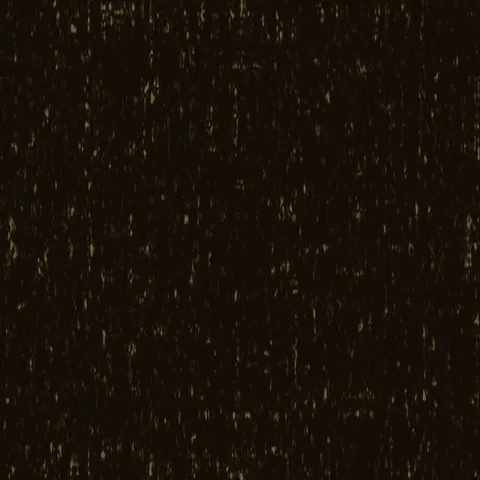
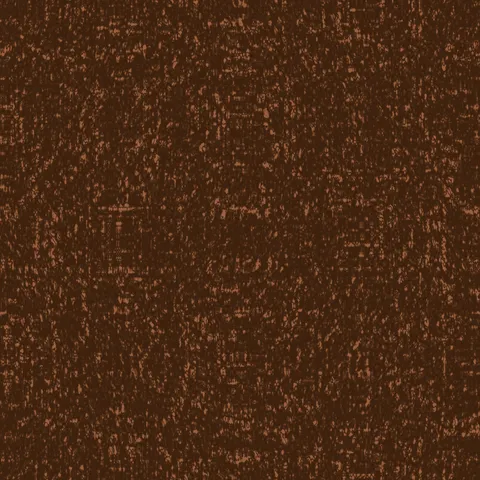
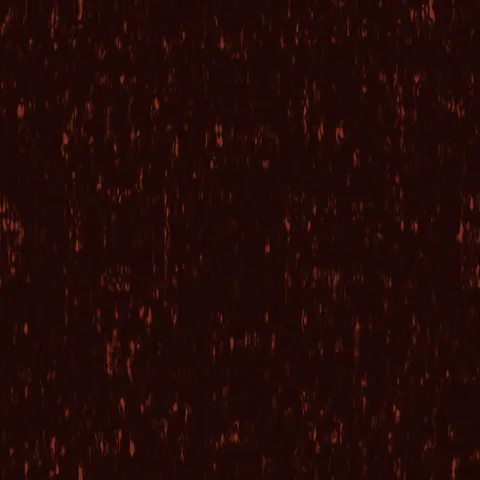
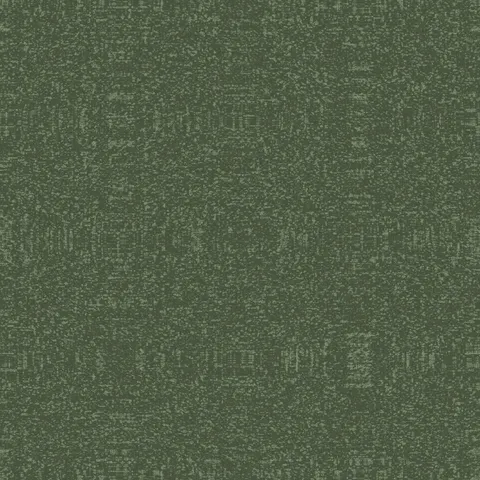
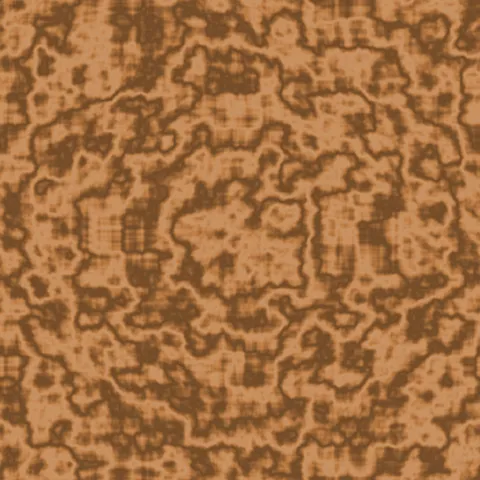
Browse 20 free seamless wood textures optimized for Unreal Engine. Every texture downloads as PNG at 1024px, 2048px, or 4096px — power-of-two sizes that Unreal Engine handles efficiently with mipmapping and texture compression. All textures tile perfectly with no visible seams.
Wood textures — wood grain and bark — are among the most versatile materials in 3D, covering everything from floorboards and furniture to forest environments and structural elements. In Unreal Engine, import the PNG via the Content Browser and wire it as the Base Color input in the Material Editor — UE5 handles mipmapping and virtual texturing automatically. All textures are procedurally generated and released under our royalty-free license — free for personal and commercial projects with no attribution required.
Wood Textures
Workflow in Unreal Engine
In Unreal Engine, most PBR textures pack three single-channel maps (AO, roughness, metallic) into one RGB texture called an ORM texture — this halves VRAM cost compared to shipping three separate maps. The engine's Material Editor expects this format by default. For terrain or large-surface materials, always use the LandscapeLayerCoords or WorldPosition-based UVs rather than direct UV coordinates, which keeps the pattern scale consistent regardless of polygon size. For mobile or Quest targets, stick to 1024-pixel textures compressed to ASTC — 4K textures blow the memory budget on lower-end devices even when they look identical after compression.
Quality notes for wood textures
Wood textures carry visible directionality — the grain must run with the wood's implied length axis. Cross-grain application to a board-shaped surface reads immediately wrong. For flooring, rotate successive planks 180 degrees to avoid pattern alignment across the whole surface. For finished wood (polished table, varnished panel), pair the colour map with a very low roughness value; for raw wood (rough-sawn, weathered), roughness should stay high. Knots and grain irregularities read as quality signals — uniform wood looks artificial.
Unreal Engine × Wood specifics
In Unreal Engine, wood textures benefit from the Parallax Occlusion Mapping node in the Material Editor — it pushes grain depth into the surface visually without adding polygons. Combine with a normal map derived from the colour channel for the fine detail, and the POM adds the macro-scale grain grooves. Target 32 samples for the POM node at close-up viewing distances.