Marble & Stone Textures for Unreal Engine
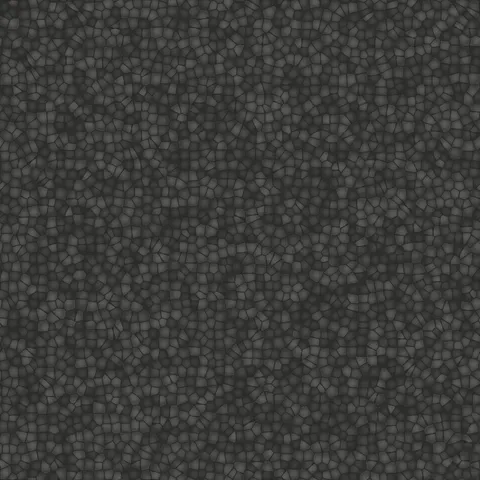
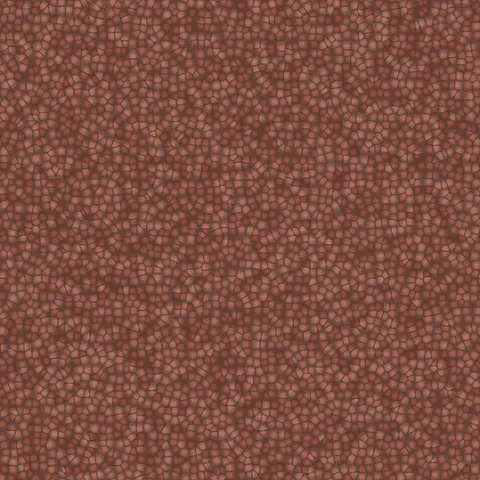
Browse 70 free seamless marble & stone textures optimized for Unreal Engine. Every texture downloads as PNG at 1024px, 2048px, or 4096px — power-of-two sizes that Unreal Engine handles efficiently with mipmapping and texture compression. All textures tile perfectly with no visible seams.
Marble and stone textures — marble, concrete, cobblestone, asphalt, plaster, and terrazzo — are essential for architectural visualization, environmental design, and any workflow requiring natural hard surfaces. In Unreal Engine, import the PNG via the Content Browser and wire it as the Base Color input in the Material Editor — UE5 handles mipmapping and virtual texturing automatically. All textures are procedurally generated and released under our royalty-free license — free for personal and commercial projects with no attribution required.
Marble & Stone Textures










Workflow in Unreal Engine
In Unreal Engine, most PBR textures pack three single-channel maps (AO, roughness, metallic) into one RGB texture called an ORM texture — this halves VRAM cost compared to shipping three separate maps. The engine's Material Editor expects this format by default. For terrain or large-surface materials, always use the LandscapeLayerCoords or WorldPosition-based UVs rather than direct UV coordinates, which keeps the pattern scale consistent regardless of polygon size. For mobile or Quest targets, stick to 1024-pixel textures compressed to ASTC — 4K textures blow the memory budget on lower-end devices even when they look identical after compression.
Quality notes for marble & stone textures
Hard-surface textures (marble, stone, concrete, cobblestone, asphalt, plaster, terrazzo) all share a requirement for accurate scaling. Too-small tiles read as decorative rather than structural; too-large tiles reveal the repeating pattern. Target a UV scale that produces stones roughly 10 to 25 centimetres apart for floor and wall materials. For distant views, higher tile frequencies read cleanly; for close-ups, larger individual stones with more per-tile detail serve better.
Unreal Engine × Marble & Stone specifics
In Unreal Engine, marble textures pair well with the engine's Clear Coat material model for high-polish surfaces like polished marble counters. Enable Clear Coat in the material properties, then control the clear coat contribution with a separate grayscale map. This produces the deep multi-layer reflection seen on real polished marble — one reflection from the clear coat, another from the underlying stone.