Abstract Textures for Unity
Browse 120 free seamless abstract textures optimized for Unity. Every texture downloads as PNG at 1024px, 2048px, or 4096px — power-of-two sizes that Unity handles efficiently with mipmapping and texture compression. All textures tile perfectly with no visible seams.
Abstract textures — gradients, plasma, grunge, stained glass, and lava — are ideal for stylized surfaces, sci-fi materials, UI backgrounds, and anywhere a non-representational look is needed. In Unity, import the PNG into your Assets folder and assign it to the Albedo (Base Map) slot in a Lit (URP) or HDRP material — set the Wrap Mode to Repeat for seamless tiling. All textures are procedurally generated and released under our royalty-free license — free for personal and commercial projects with no attribution required.
Abstract Textures
Arctic Snow Camo
Autumn Leaf Camouflage
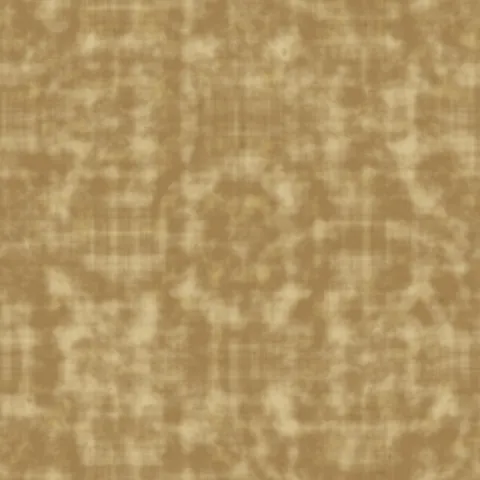
Desert Camo
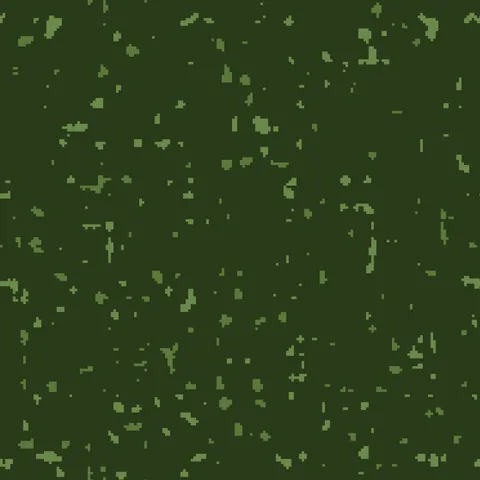
Digital Camo
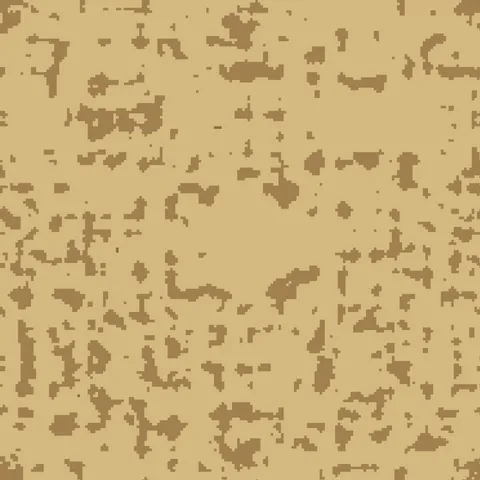
Digital Desert Camouflage
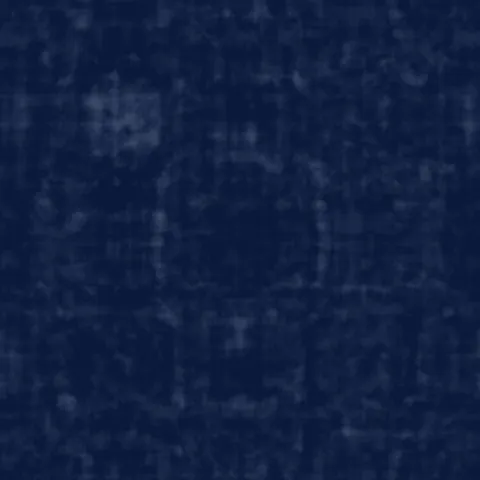
Navy Blue Camouflage
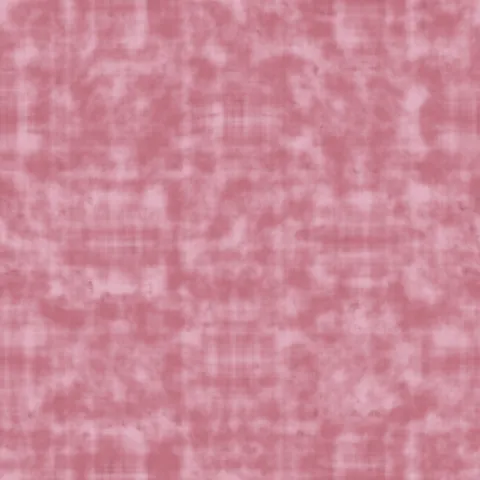
Pink Fashion Camouflage
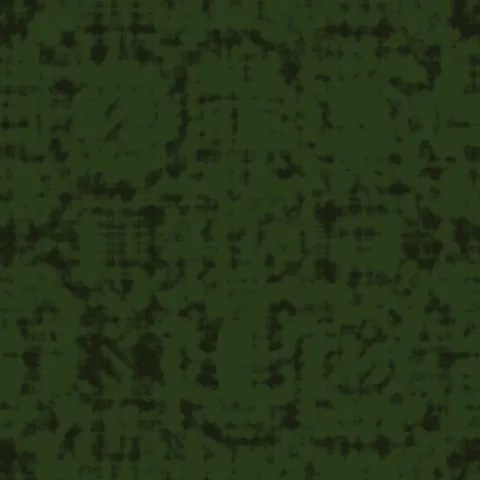
Tiger Stripe Camouflage
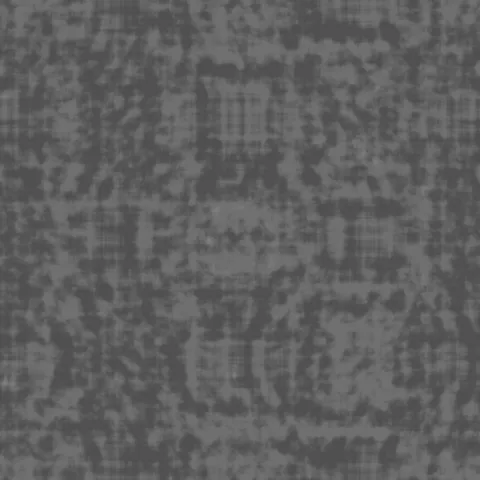
Urban Gray Camo
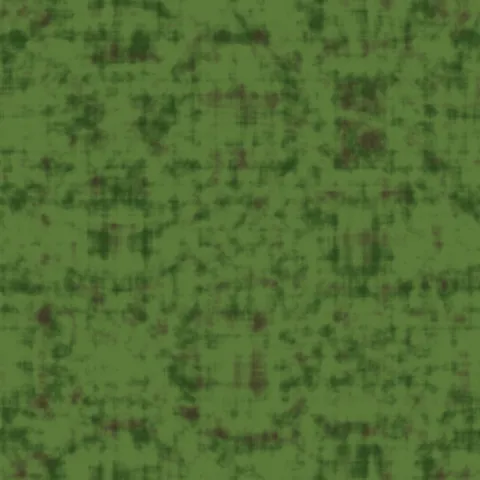
Woodland Camo
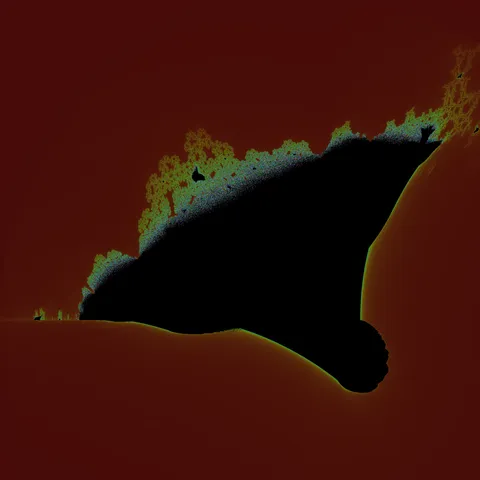
Burning Ship Armada Fractal
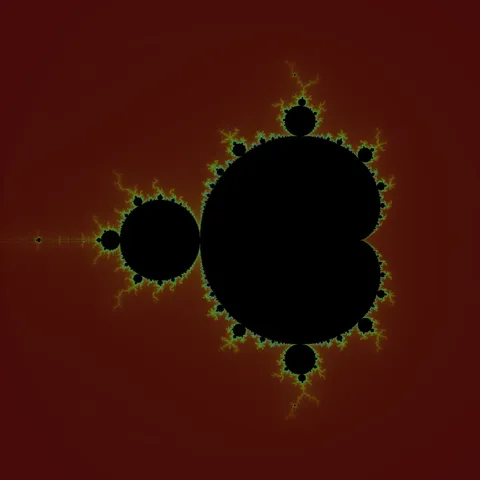
Classic Mandelbrot Fractal
Workflow in Unity
In Unity, import any texture as sRGB for base colour maps and as linear for normal, roughness, metallic, and AO maps — the compression and colour space choices matter enormously for PBR accuracy. The Standard shader expects metallic intensity in the alpha channel of the metallic map, which is a common gotcha. For mobile targets, compress to ASTC (iOS and newer Android) or ETC2 (fallback) rather than shipping uncompressed PNGs; the visual difference is negligible and the VRAM savings are substantial. Scale each texture's UV tiling so that one tile covers about 1 to 2 metres of surface in-game, which keeps pixel density consistent across objects.
Quality notes for abstract textures
Abstract textures are more forgiving of application than material textures. They work as backgrounds, mood overlays, or as compositional elements regardless of surface context. When used as backgrounds behind typography or UI, keep the texture opacity subtle — anywhere from 10 to 30 per cent — so it adds warmth without competing with readable content. Higher-saturation abstract textures work better as foreground accents than full backgrounds.
Unity × Abstract specifics
In Unity, abstract textures work well as post-processing screen overlays and UI canvas fills. For screen overlays, add a Blit material on a custom Volume component with your abstract texture as the albedo. For UI, use a RawImage component rather than Image if you want to preserve full texture fidelity — Image applies sprite-atlas compression that can flatten subtle gradients.