Wood Textures for Substance Painter
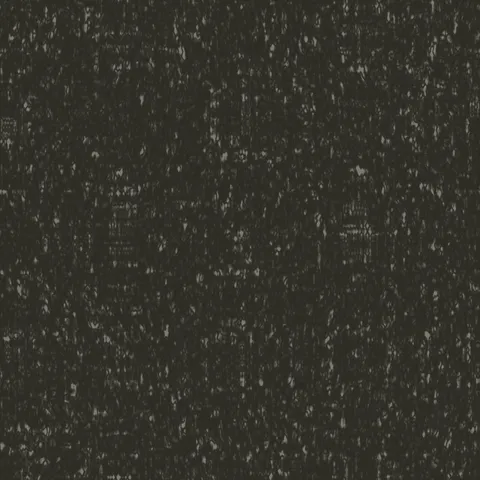
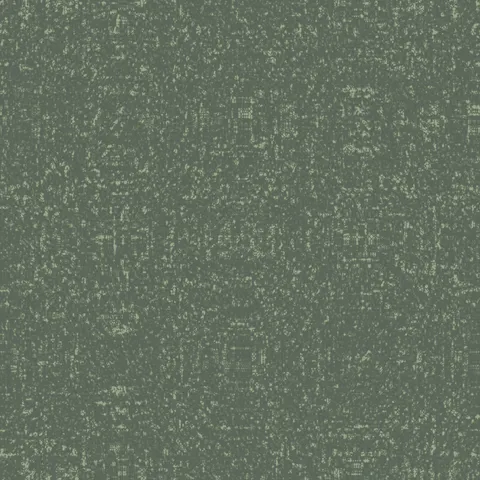
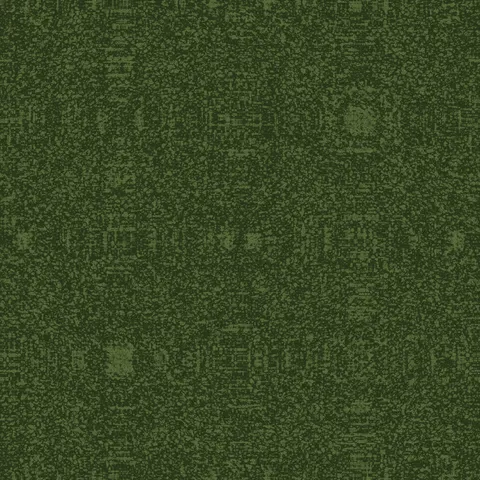
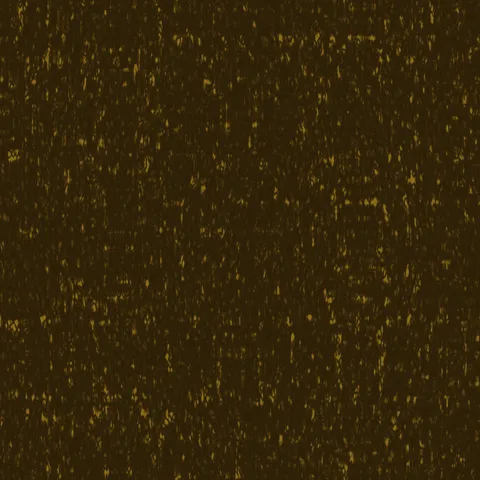
Browse 20 free seamless wood textures optimized for Substance Painter. Every texture downloads as PNG at 1024px, 2048px, or 4096px — power-of-two sizes that Substance Painter handles efficiently with mipmapping and texture compression. All textures tile perfectly with no visible seams.
Wood textures — wood grain and bark — are among the most versatile materials in 3D, covering everything from floorboards and furniture to forest environments and structural elements. In Substance Painter, import the PNG as a base color layer or use it as an anchor for additional painted detail — the seamless edges blend cleanly with brush strokes at tile boundaries. All textures are procedurally generated and released under our royalty-free license — free for personal and commercial projects with no attribution required.
Wood Textures
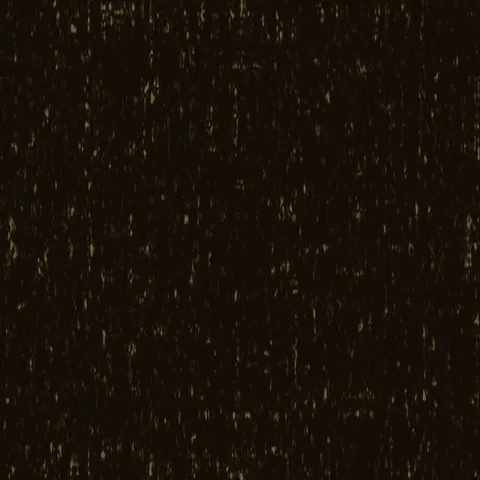
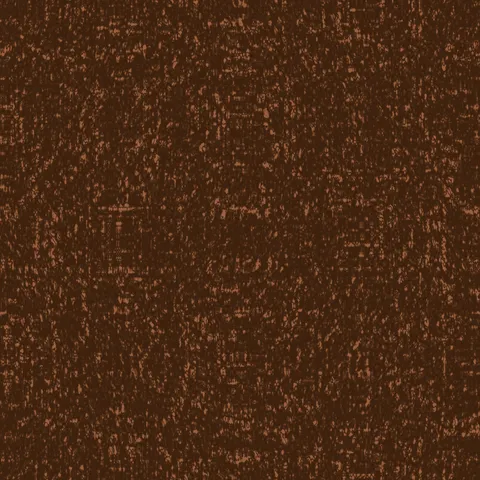
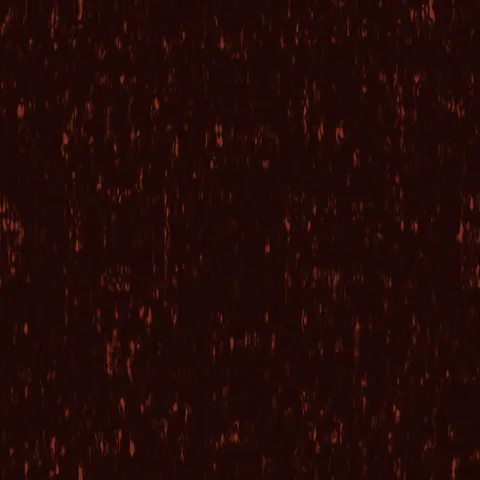
Workflow in Substance Painter
In Substance Painter, import any texture as a Base Material starting point, then layer manual painting on top for creative customisation. The Normal channel imports textures in OpenGL convention by default — if your source was authored in DirectX convention, flip the green channel in the layer properties. For export, ship the full PBR channel set (Base Color, Normal, Roughness, Metallic, AO, Height) rather than individual maps; the downstream engine then has everything it needs for a correct material, and any missing channels lead to fallback grey-rendering at runtime.
Quality notes for wood textures
Wood textures carry visible directionality — the grain must run with the wood's implied length axis. Cross-grain application to a board-shaped surface reads immediately wrong. For flooring, rotate successive planks 180 degrees to avoid pattern alignment across the whole surface. For finished wood (polished table, varnished panel), pair the colour map with a very low roughness value; for raw wood (rough-sawn, weathered), roughness should stay high. Knots and grain irregularities read as quality signals — uniform wood looks artificial.
Substance Painter × Wood specifics
In Substance Painter, start with the built-in Wood Smart Material as a base, then use our wood textures as Colour Variation fill layers on top to introduce species-specific grain. Layer Smart Masks for dirt, wear, and finish breakdown. Export the full PBR channel set (albedo, normal, roughness, metallic, AO, height) for downstream Unreal or Unity use.