Geometric Textures for Photoshop
Browse 140 free seamless geometric textures optimized for Photoshop. Every texture downloads as PNG at 1024px, 2048px, or 4096px — power-of-two sizes that Photoshop handles efficiently with mipmapping and texture compression. All textures tile perfectly with no visible seams.
Geometric textures — brick, tile, hexagonal, grid, herringbone, and circuit — are the building blocks of architectural surfaces, game environments, and structured material layers. In Photoshop, open the PNG and use Edit > Define Pattern to register it as a reusable fill pattern, or drag it directly into a Smart Object layer for non-destructive tiling. All textures are procedurally generated and released under our royalty-free license — free for personal and commercial projects with no attribution required.
Geometric Textures
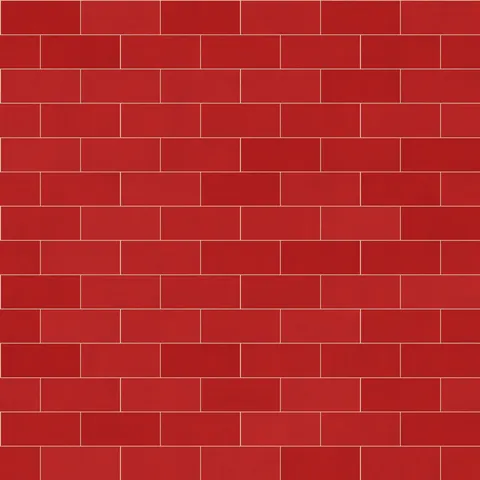
Classic Red Brick
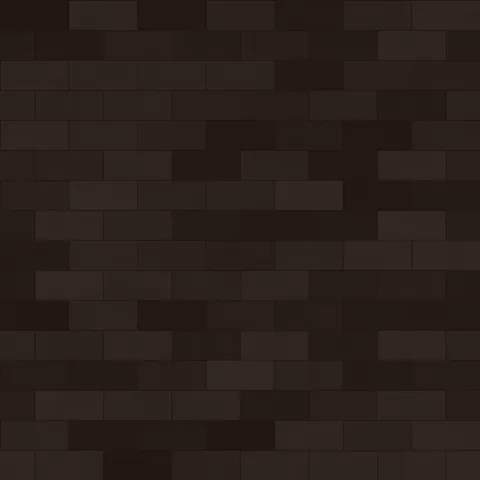
Dark Clinker Brick
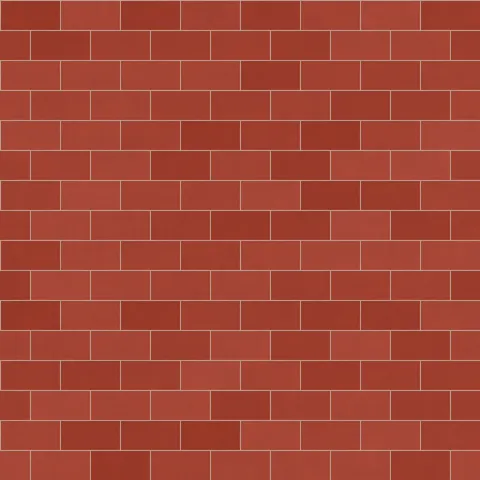
Herringbone Brick Brick
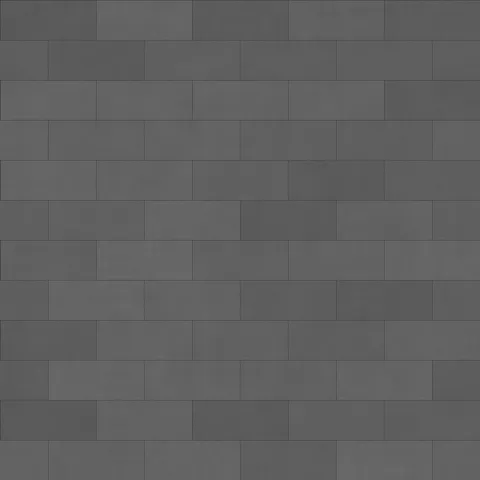
Modern Gray Brick
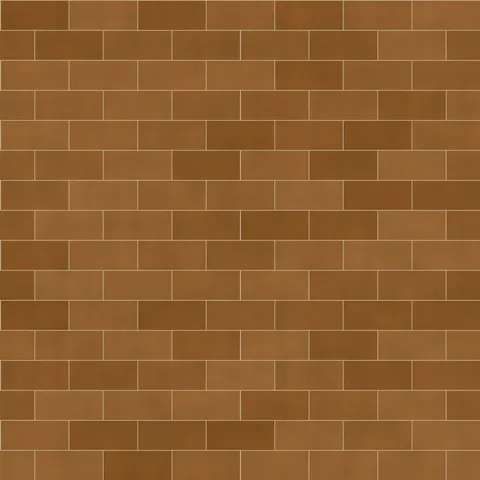
Old Town Brick
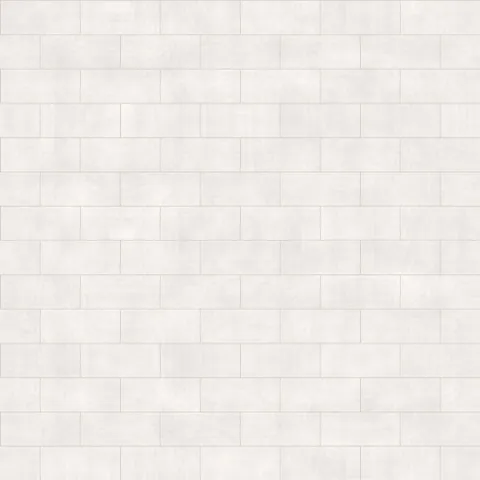
Painted White Brick
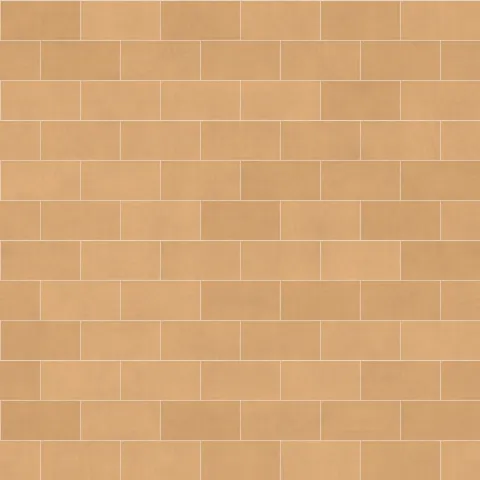
Sandstone Brick
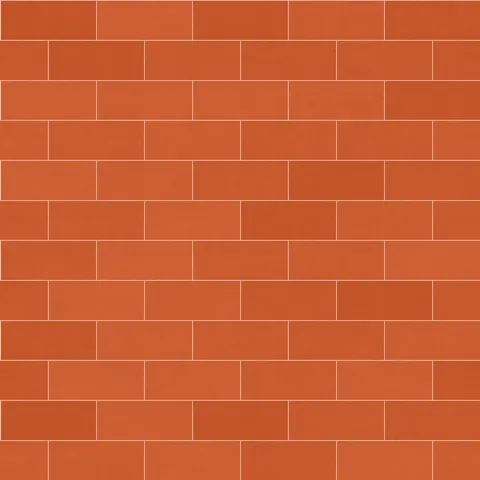
Terracotta Brick
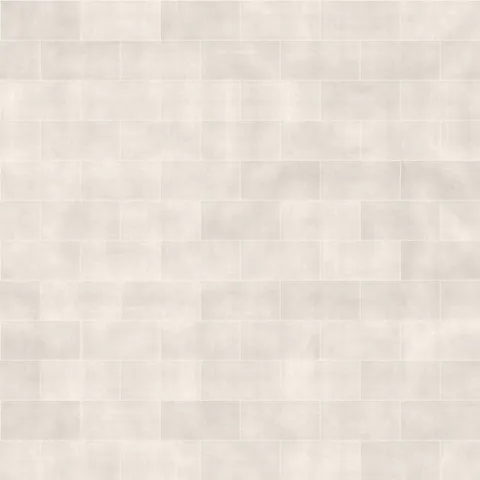
Whitewashed Brick
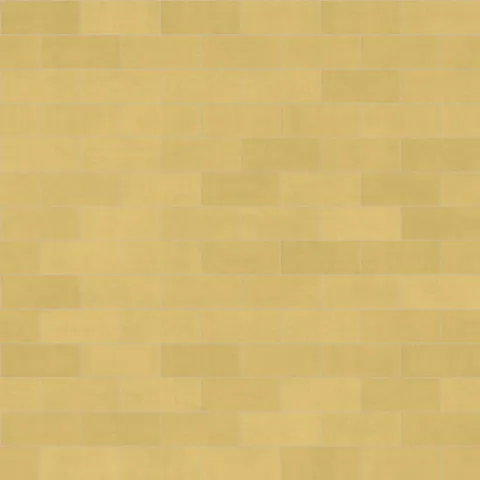
Yellow London Brick
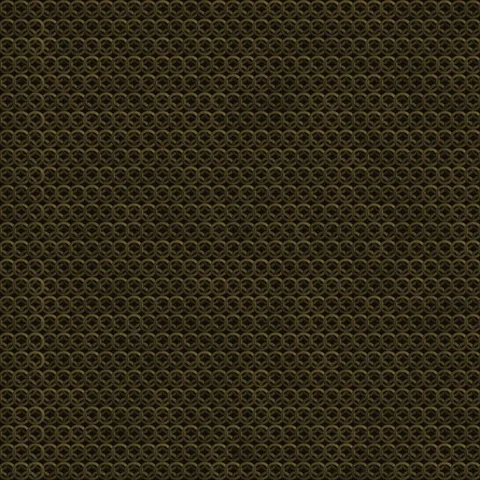
Ancient Bronze Chain Mail
Blackened Steel Chain Mail
Workflow in Photoshop
In Photoshop, open any texture as a Smart Object to preserve the ability to edit the source later without losing quality. For pattern tiling, use Edit > Define Pattern on the texture tile, then apply via Layer Style > Pattern Overlay — this gives you repeat control with opacity and blend mode without needing to duplicate the layer. For web export, save as PNG-8 if the palette is limited (most generator outputs do fine at 256 colours) or PNG-24 for photographic textures. WebP at 85% quality is roughly half the file size with no visible difference.
Quality notes for geometric textures
Geometric patterns need exact scale because the human eye catches even small misalignments in regular repeats. Set UV coordinates so that complete pattern repeats fall on mesh vertices wherever possible — a half-cut tile or brick along a surface edge reads immediately as a rendering error. For tiled wall surfaces, measure the real-world tile size and adjust the texture's UV scale to match. For pure decoration (wallpaper, wrapping), scale and density are design choices rather than correctness requirements.
Photoshop × Geometric specifics
In Photoshop, geometric pattern textures work best as Pattern overlays on type layers or as Layer Style Pattern Fills. For social media graphics, apply the pattern at 15 to 30 per cent opacity over a flat colour background — this gives brand content tactile character without distracting from typography.