Circuit Board Generator
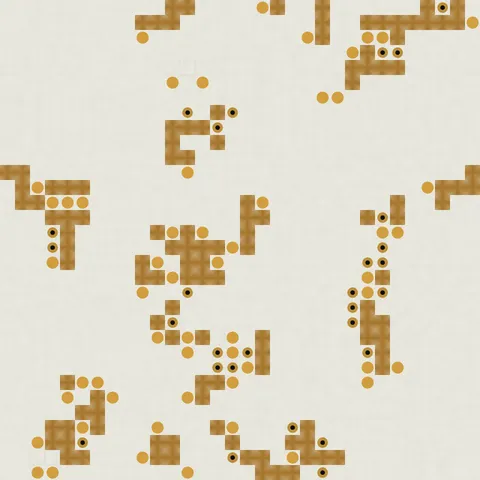
Create PCB textures with copper traces, component pads, vias, and silkscreen labels.
Share this exact texture with anyone
How to Use Your Circuit Board Generator Texture
CSS Background
Use as a CSS background at low opacity (0.1-0.2) over a dark base for tech-themed page sections. Apply a CSS animation with filter: hue-rotate for a slowly cycling neon circuit board effect.
background: url('texturize_circuit.png') repeat;
background-size: 256px 256px;
Blender
Use as an Emission map input on a Principled BSDF to create glowing circuit traces. Mix with a dark base color and add Bloom in the compositor for a neon PCB lighting effect in rendered scenes.
Unity & Unreal Engine
In Unity, use as an Emission map with HDR color values for glowing trace lines on sci-fi props. In Unreal, multiply the texture with a pulsing sine function in the Material for animated power-flow effects.
Photoshop & Figma
Apply with Screen blending mode in Photoshop over dark backgrounds for a glowing circuit overlay effect. In Figma, use as a low-opacity image fill on tech-themed presentation and UI backgrounds.
Game Development
Use for sci-fi wall panels, hacking minigame interfaces, cyberpunk environmental storytelling, and robot surface details. Animate UV offset along trace paths for data-flow visual effects.
Architectural Visualization
Use as a decorative element in smart home visualizations, tech office interior concepts, and interactive wall panel designs. The circuit pattern communicates technological integration in spaces.
Print & Packaging
Use as a background for electronics packaging, tech company annual reports, and PCB manufacturer catalogs. The circuit trace pattern immediately signals technology and innovation in print.
Social Media & Video
Creates a futuristic, tech-forward backdrop for startup announcements, hackathon promotions, and AI/ML product content. Layer with neon glow effects for maximum cyberpunk visual impact.
Circuit Board Generator Preset Gallery
Click any preset in the generator above to apply it instantly. Each variation is seamless and ready for download in 1024, 2048, or 4096 resolution.

Classic Green
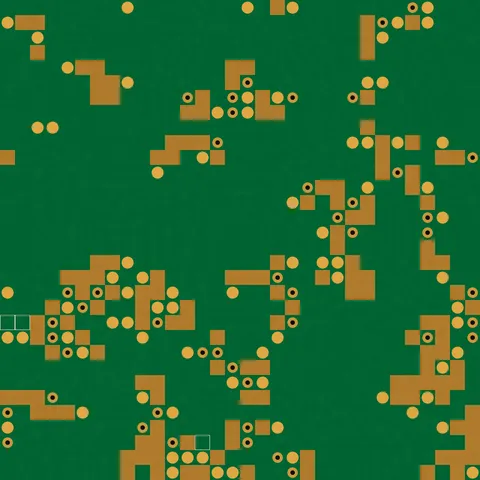
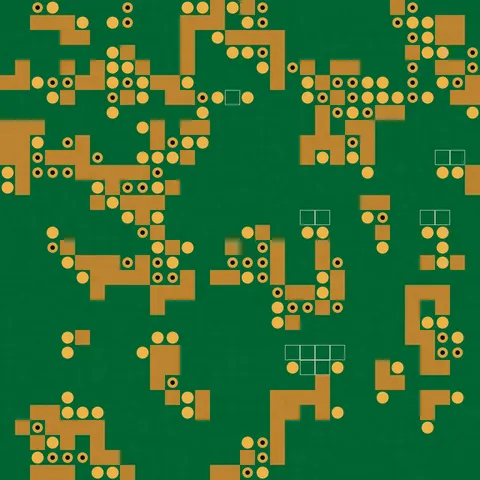
Standard green PCB with copper traces and component pads. The classic circuit board look for tech projects.

Blue Server
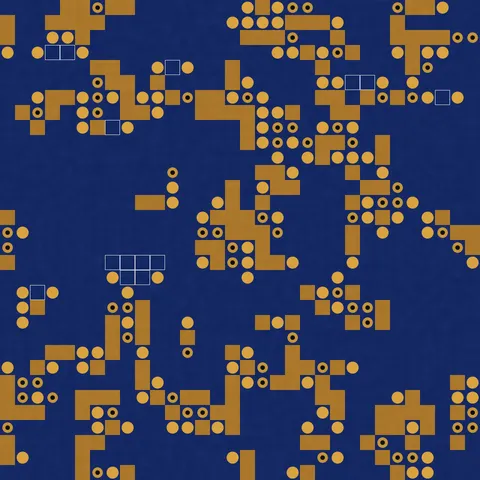
Dense blue server board with high trace density. Enterprise hardware aesthetic for data center themes.
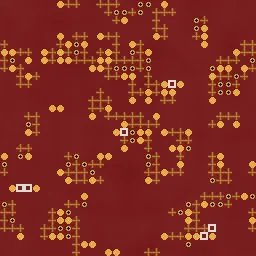
Red Gaming
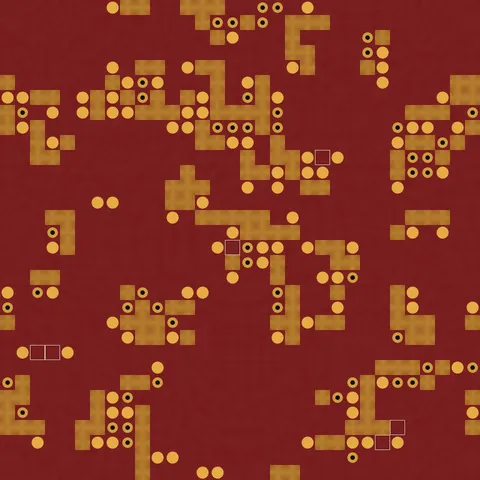
Red PCB with bold traces and components. Aggressive gaming hardware look for tech marketing.

Black Stealth
Matte black board with minimal visible copper. Sleek, premium hardware aesthetic.
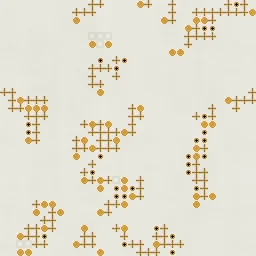
White Prototype
White breadboard-style PCB with clean traces. Prototype and educational electronics look.
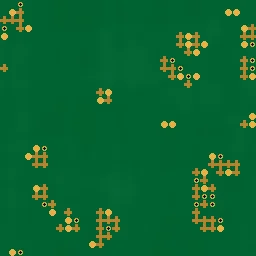
Vintage Board
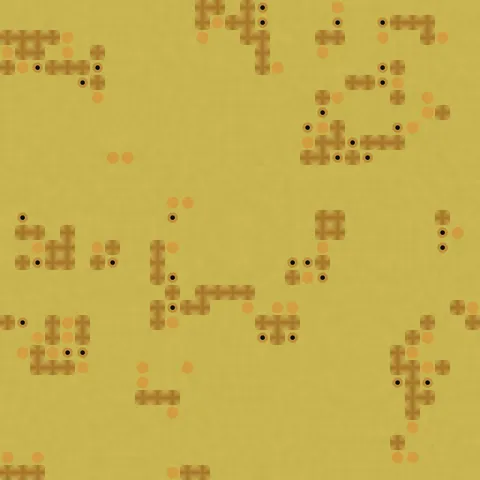
Sparse green board with thick traces and few components. Retro electronics from the 70s-80s era.

Purple PCB
Vibrant purple circuit board with curved traces and balanced component layout. Perfect for maker community projects, open-source hardware branding, and creative tech visuals.
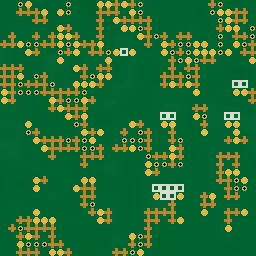
Gold Plated
Gold-plated PCB with high copper visibility and dense straight traces. Ideal for luxury electronics renders, premium hardware marketing, and high-end tech product shots.
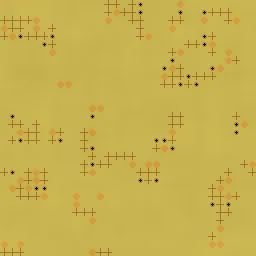
Flex Circuit
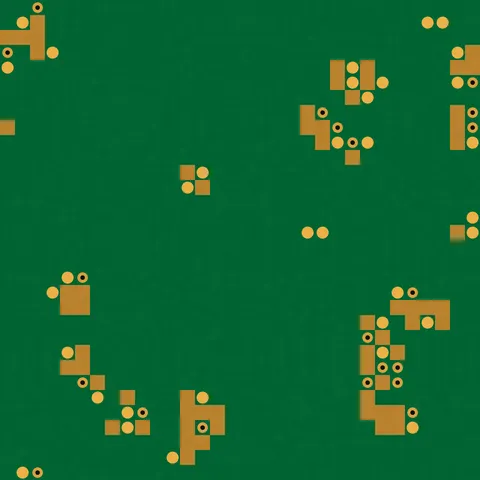
Thin flexible circuit with sparse curved traces and minimal components. Suited for wearable tech textures, flexible electronics mockups, and IoT device renders.
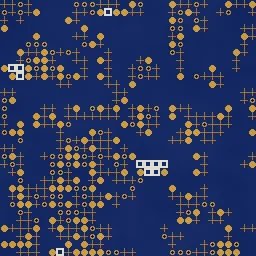
Dense Microchip
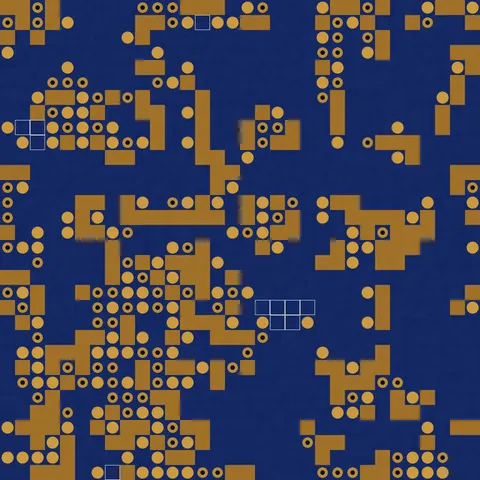
Ultra-dense blue PCB packed with traces and components for maximum circuit complexity. Great for server motherboard textures, AI chip marketing, and tech-heavy backgrounds.
Circuit Board Generator FAQ
Textures Made With This Generator
View all 10 textures →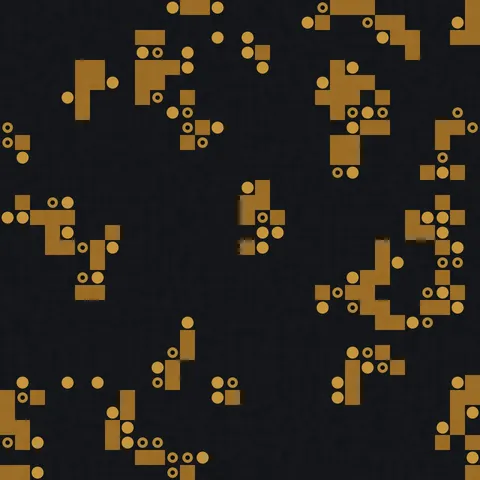

Process Your Circuit Board Generator Texture
Use our free browser-based tools to enhance, mix, and analyze your textures.
Texture Mixer
Blend this texture with another for unique combinations.
Make Seamless
Ensure perfect seamless tiling for any image.
Normal Map Generator
Generate normal maps from your texture for 3D and PBR workflows.
Color Palette Extractor
Extract the dominant colors from your texture.
All tools run in your browser — no uploads, no servers.
How the circuit generator works
The algorithm
The circuit generator draws a network of interconnected traces using a grid-aligned random walk. Starting from multiple seed points, the algorithm traces paths along grid lines, occasionally branching at junctions. Pad dots are placed at branch points and endpoints. A secondary layer of smaller traces runs at a tighter grid spacing to simulate the density of real PCB artwork. The result is a synthetic circuit board layout that reads as authentic at a glance and holds up well at higher resolutions.
What the parameters do
traceDensity controls how many paths are drawn. branchProbability sets how often paths fork versus run straight. padSize scales the dot diameter at junctions. color biases between the classic green PCB, blue, red, black, and copper variants.
What it's good for
Cyberpunk and sci-fi game environments, tech-focused web backgrounds, product visualisation for electronic devices, editorial illustration for technology writing, motion graphics overlays, and wallpapers for developer tools and IDEs.
Practical tips
Real PCBs have a mix of trace thicknesses; the generator provides two layers but you can stack multiple exports at different densities for even more realism. The classic FR4 green is achieved by keeping base colour at a deep teal-green and pushing the trace colour toward a brighter teal. For white silkscreen visible on a dark board, export the traces separately at pure white and composite.
Related Generators
Explore more free seamless texture generators with full customization and instant PNG download.