Abstract Textures for Photoshop
Browse 120 free seamless abstract textures optimized for Photoshop. Every texture downloads as PNG at 1024px, 2048px, or 4096px — power-of-two sizes that Photoshop handles efficiently with mipmapping and texture compression. All textures tile perfectly with no visible seams.
Abstract textures — gradients, plasma, grunge, stained glass, and lava — are ideal for stylized surfaces, sci-fi materials, UI backgrounds, and anywhere a non-representational look is needed. In Photoshop, open the PNG and use Edit > Define Pattern to register it as a reusable fill pattern, or drag it directly into a Smart Object layer for non-destructive tiling. All textures are procedurally generated and released under our royalty-free license — free for personal and commercial projects with no attribution required.
Abstract Textures
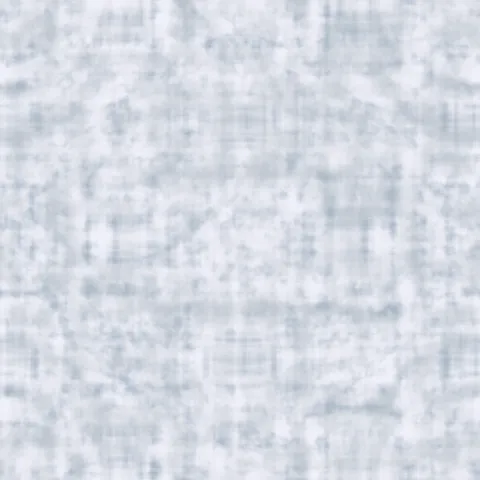
Arctic Snow Camo
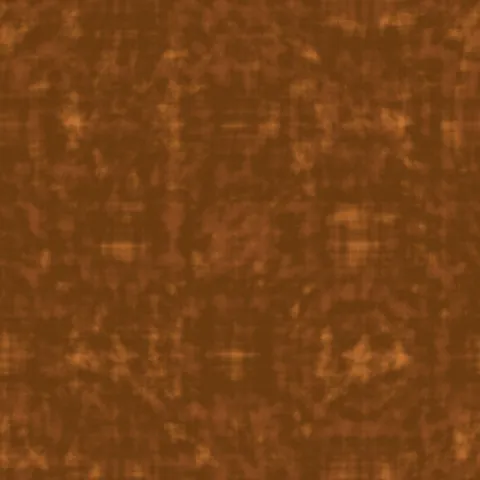
Autumn Leaf Camouflage
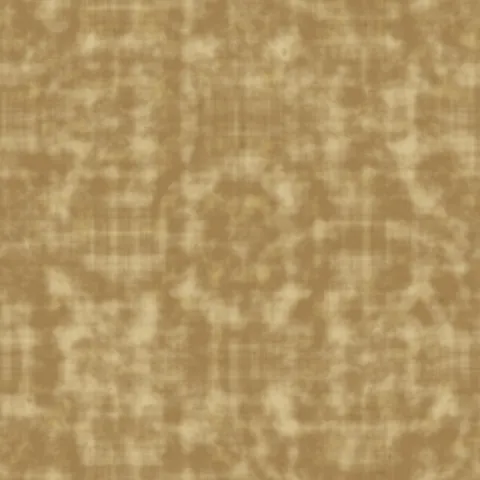
Desert Camo
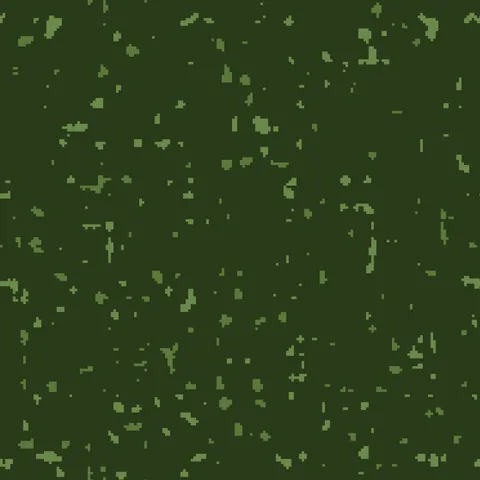
Digital Camo
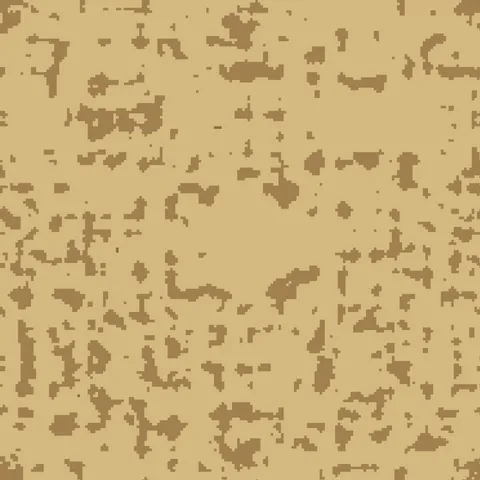
Digital Desert Camouflage
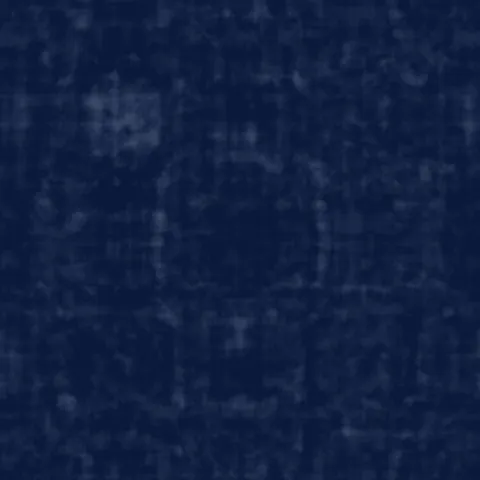
Navy Blue Camouflage
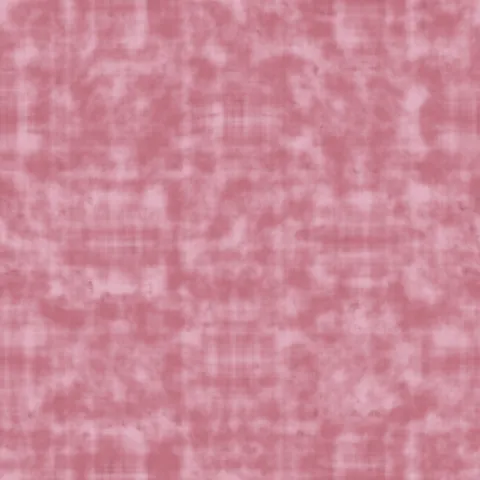
Pink Fashion Camouflage
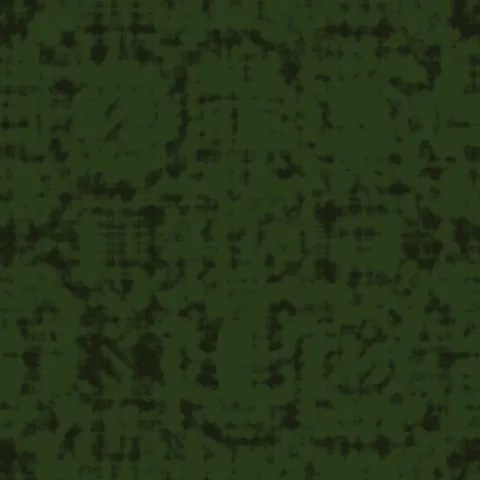
Tiger Stripe Camouflage
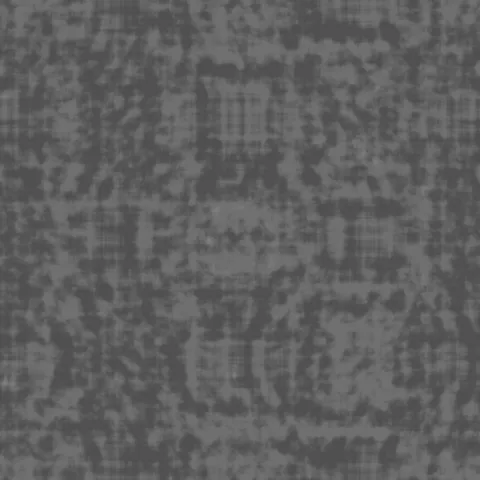
Urban Gray Camo
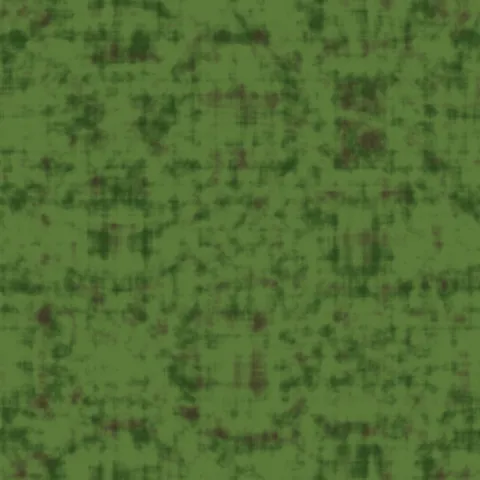
Woodland Camo
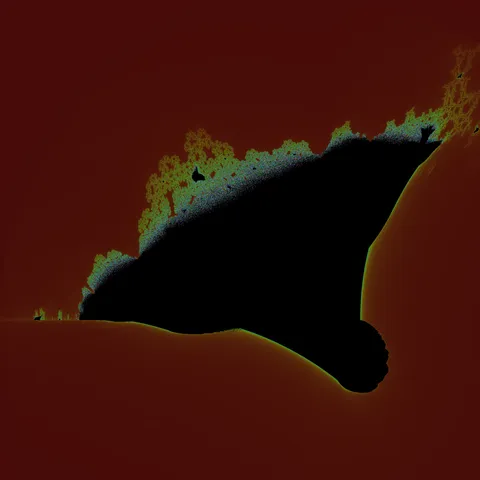
Burning Ship Armada Fractal
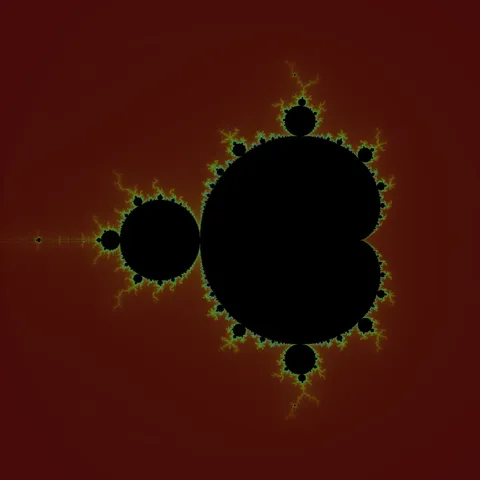
Classic Mandelbrot Fractal
Workflow in Photoshop
In Photoshop, open any texture as a Smart Object to preserve the ability to edit the source later without losing quality. For pattern tiling, use Edit > Define Pattern on the texture tile, then apply via Layer Style > Pattern Overlay — this gives you repeat control with opacity and blend mode without needing to duplicate the layer. For web export, save as PNG-8 if the palette is limited (most generator outputs do fine at 256 colours) or PNG-24 for photographic textures. WebP at 85% quality is roughly half the file size with no visible difference.
Quality notes for abstract textures
Abstract textures are more forgiving of application than material textures. They work as backgrounds, mood overlays, or as compositional elements regardless of surface context. When used as backgrounds behind typography or UI, keep the texture opacity subtle — anywhere from 10 to 30 per cent — so it adds warmth without competing with readable content. Higher-saturation abstract textures work better as foreground accents than full backgrounds.
Photoshop × Abstract specifics
Abstract textures in Photoshop work as adjustment-layer masks for organic transitions. Load a high-contrast abstract texture into a layer mask via "Load Channel as Selection". Use Gradient Map adjustment layers above to recolour the entire composition through the mask. This technique produces painterly colour shifts that would be impossible with hand-drawn masks.