Noise & Organic Textures for Figma
Browse 60 free seamless noise & organic textures optimized for Figma. Every texture downloads as PNG at 1024px, 2048px, or 4096px — power-of-two sizes that Figma handles efficiently with mipmapping and texture compression. All textures tile perfectly with no visible seams.
Noise and organic textures — cloud, grass, sand, terrain, and ice — serve as base layers, roughness masks, displacement maps, and organic ground cover for natural environments. In Figma, fill any shape or frame with the PNG using the Image fill type — set the mode to Tile to cover the entire element with a seamlessly repeating texture. All textures are procedurally generated and released under our royalty-free license — free for personal and commercial projects with no attribution required.
Noise & Organic Textures

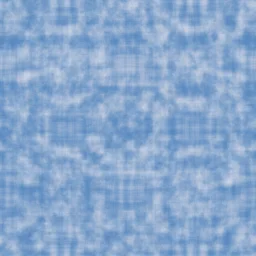
Cotton Candy Cloud
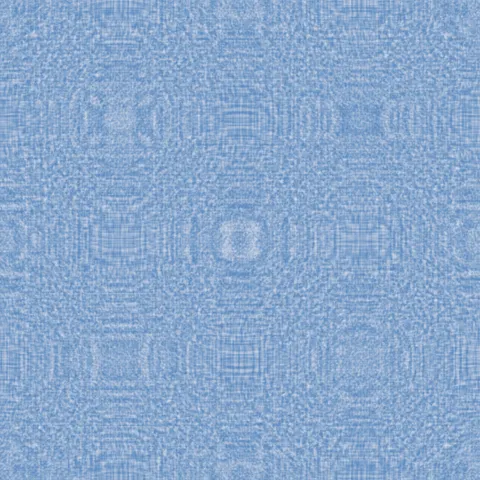
Cumulus Sky Cloud

Dawn Mist Cloud

High Altitude Cloud

Overcast Cloud

Stormy Dark Cloud

Thunderhead Cloud
Tropical Cumulus Cloud

Volcanic Ash Cloud

Wispy Cirrus Cloud

Autumn Grass Grass

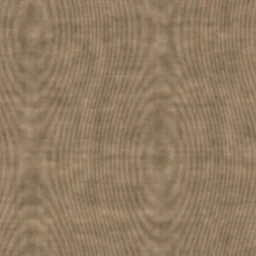
Bamboo Floor Grass
Workflow in Figma
In Figma, drop a texture into any frame's Fill with the Image fill type, then set Scale Mode to Tile. Tile produces a repeating pattern; Fill crops to the frame bounds; Fit scales down without cropping. For hero section backgrounds, Tile at 50 to 75 per cent usually reads as intentional texture rather than wallpaper. For card backgrounds, a small fill frame with a subtle texture at 15 to 30 per cent opacity adds tactile depth without distracting from the content above it. Figma uses sRGB for all image fills, so no colour-space adjustment is needed.
Quality notes for noise & organic textures
Noise and natural textures (cloud, grass, ice, sand, terrain) tolerate heavy tiling better than other categories because the human eye does not pattern-match on irregular noise. This makes them excellent for very large surfaces. For ground materials in 3D scenes, tile at three to ten repeats across the surface — this keeps detail readable at ground level without obvious seams. For sky materials, use a larger tile count to avoid visible repetition at wide viewing angles.
Figma × Noise & Organic specifics
Noise textures in Figma add organic warmth to minimal UI designs. Apply as a top-layer image fill at 10-20% opacity with blend mode set to Overlay or Soft Light. This softens flat-design sterility without introducing visible texture — users perceive the difference as "more refined" without being able to name the specific change.