Noise Texture Generator
Create Perlin, FBM, cellular, and ridged noise textures for procedural backgrounds and overlays.
Share this exact texture with anyone
How to Use Your Noise Texture Generator Texture
CSS Background
Apply as a CSS background with a very low opacity (0.03-0.1) to add subtle grain to flat-colored sections. Use background-blend-mode: overlay to prevent the noise from washing out the base color.
background: url('texturize_noise.png') repeat;
background-size: 256px 256px;
Blender
Use as a Roughness map to add micro-surface imperfections to any material, breaking up unrealistically uniform reflections. Mix into the Base Color at 2-5% influence for subtle color variation that prevents the plastic look.
Unity & Unreal Engine
In Unity, use as a detail texture to add film grain or sensor noise as a post-processing overlay. In Unreal, multiply with any base material's Roughness output to add realistic micro-surface variation that catches light at grazing angles.
Photoshop & Figma
Overlay with Soft Light blending at 5-15% opacity in Photoshop to add photographic film grain to digital images. In Figma, place over flat UI backgrounds at very low opacity for a tactile, paper-like quality that reduces digital sterility.
Game Development
Use as a dithering pattern for stylized rendering, film grain post-processing, and static screen effects in indie and horror games. Apply in screen space for consistent grain density regardless of camera distance.
Architectural Visualization
Add as a subtle post-processing overlay on architectural renders to simulate camera sensor noise and prevent the render from looking too clean and artificial. Keep opacity very low (2-5%) for photorealistic results.
Print & Packaging
Use as a subtle texture overlay on flat color areas in print designs to add visual warmth and prevent large solid color zones from appearing flat. The gentle noise mimics the feel of textured paper stock.
Social Media & Video
Add as a subtle background grain to social media templates for a polished, analog-inspired aesthetic. The gentle noise texture is a popular design trend that adds warmth to minimalist flat-color layouts.
Noise Texture Generator Preset Gallery
Click any preset in the generator above to apply it instantly. Each variation is seamless and ready for download in 1024, 2048, or 4096 resolution.
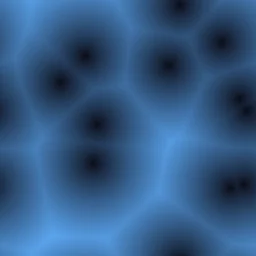
Cell Pattern
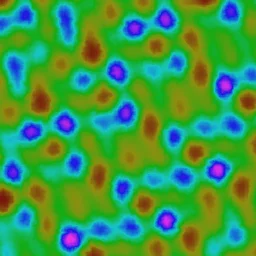
Cellular distance-field noise with dark blue to cyan gradient. Great for sci-fi panels, organic cell structures, and abstract backgrounds.

Ridge Lines
Sharp ridged fractal noise with forest green tones. Suited for mountain terrain, geological patterns, and dramatic landscape textures.
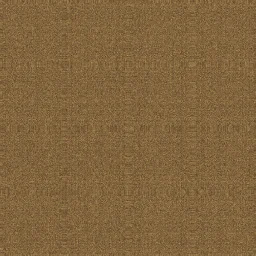
Turbulent FBM
Multi-layered fractal noise with warm brown-to-gold tones. Ideal for terrain heightmaps, organic surfaces, and natural material textures.
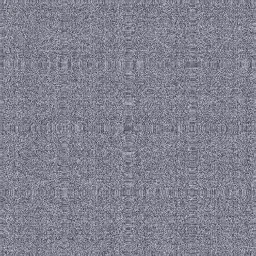
Smooth Perlin
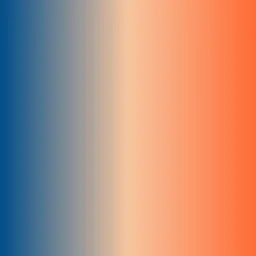
Smooth organic cloud-like pattern with dark blue to light gray gradient. Perfect for sky backgrounds, fog effects, and soft procedural textures.

Static Grain
High-frequency subtle gray noise with low contrast. Works well for film grain overlays, paper textures, and adding subtle surface detail.

Marble Noise
White and gray marble-like ridged noise with elegant veining patterns. Perfect for marble countertop textures, classical architecture surfaces, and luxury material renders.

Wood Grain
Brown wood grain pattern using fractal noise with warm tones. Ideal for wooden furniture textures, flooring materials, and natural wood surface backgrounds.

Cloud Layer
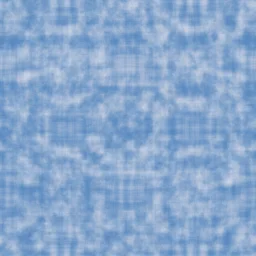
Soft white and blue cloud pattern with gentle perlin noise flow. Great for sky backgrounds, atmospheric effects, and dreamy pastel-toned textures.

Lava Flow
Intense red and orange lava pattern with high-contrast turbulent fractal noise. Suited for volcanic scenes, fire effect textures, and molten material surfaces.
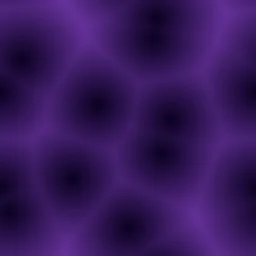
Galaxy Dust
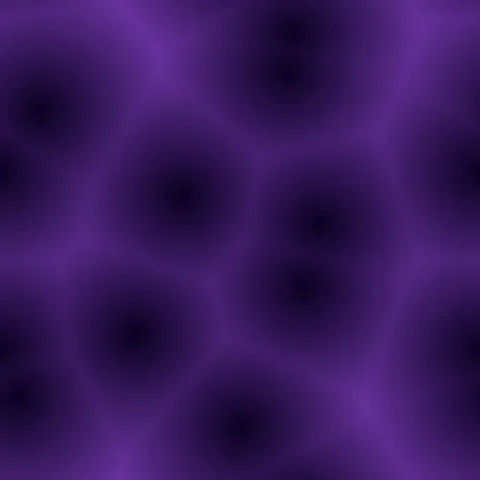
Purple cosmic cellular noise with dark space tones and bright nebula highlights. Perfect for space-themed backgrounds, galaxy textures, and sci-fi environment designs.
Noise Texture Generator FAQ
Textures Made With This Generator
View all 10 textures →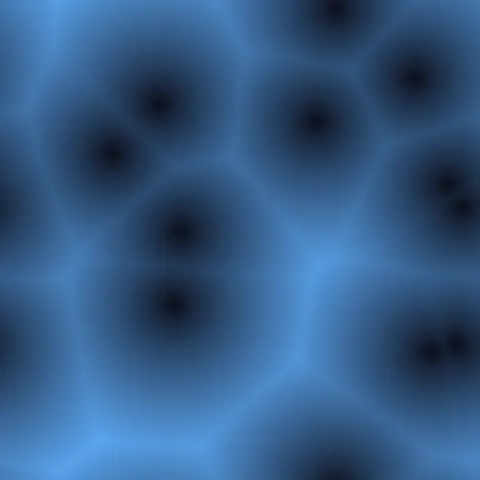








Process Your Noise Texture Generator Texture
Use our free browser-based tools to enhance, mix, and analyze your textures.
Texture Mixer
Blend this texture with another for unique combinations.
Make Seamless
Ensure perfect seamless tiling for any image.
Normal Map Generator
Generate normal maps from your texture for 3D and PBR workflows.
Color Palette Extractor
Extract the dominant colors from your texture.
All tools run in your browser — no uploads, no servers.
How the noise generator works
The algorithm
The noise generator is the foundational procedural tool: it outputs smooth noise values evaluated on the tile. Implementations include Perlin noise (smooth gradient-based), simplex noise (faster and more isotropic), FBM (fractional Brownian motion, sum of multiple octaves), and white noise (pure random). Each has different statistical properties — Perlin is band-limited and smooth; white noise is uniformly distributed across all frequencies; FBM produces the fractal self-similarity seen in clouds, terrain, and natural surfaces.
What the parameters do
noiseType picks the algorithm. frequency scales the noise. octaves (for FBM) controls how many layers are summed — more octaves give you more detail at finer scales. persistence (for FBM) controls how quickly higher-octave amplitudes decay. The colour mapping applies a gradient to the output.
What it's good for
Abstract backgrounds, artistic textures, base layers for compositing, heightmaps for other procedural generators, and educational demonstrations of noise functions. Noise is the building block of almost every other texture generator on this site.
Practical tips
For smooth cloud-like output, use FBM with 6 octaves and persistence around 0.5. For sharp sprint-paper detail, use pure simplex with high frequency. White noise is rarely useful directly — it is too chaotic — but works well as an additive grain layer over smoother noise. Most real-world texture effects come from FBM, not base Perlin.
Related Generators
Explore more free seamless texture generators with full customization and instant PNG download.