Geometric Textures for Blender
Browse 140 free seamless geometric textures optimized for Blender. Every texture downloads as PNG at 1024px, 2048px, or 4096px — power-of-two sizes that Blender handles efficiently with mipmapping and texture compression. All textures tile perfectly with no visible seams.
Geometric textures — brick, tile, hexagonal, grid, herringbone, and circuit — are the building blocks of architectural surfaces, game environments, and structured material layers. In Blender, load the PNG into an Image Texture node and connect its Color output to the Base Color input of a Principled BSDF shader — confirm Extension is set to Repeat. All textures are procedurally generated and released under our royalty-free license — free for personal and commercial projects with no attribution required.
Geometric Textures
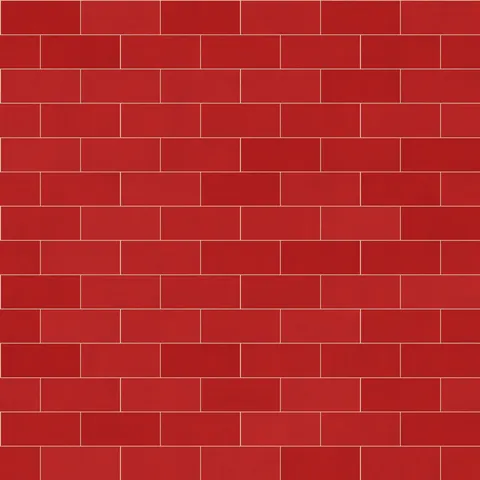
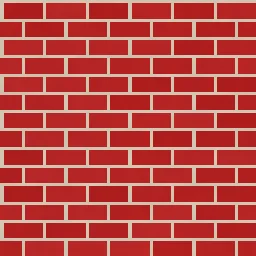
Classic Red Brick
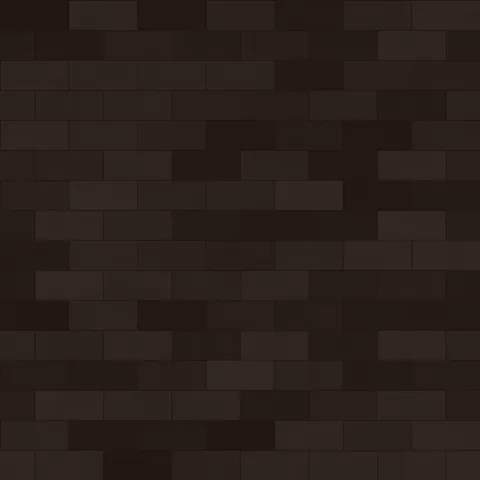
Dark Clinker Brick
Herringbone Brick Brick
Modern Gray Brick
Old Town Brick
Painted White Brick
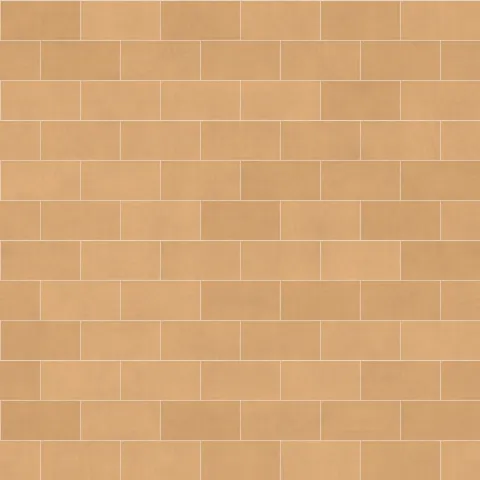
Sandstone Brick
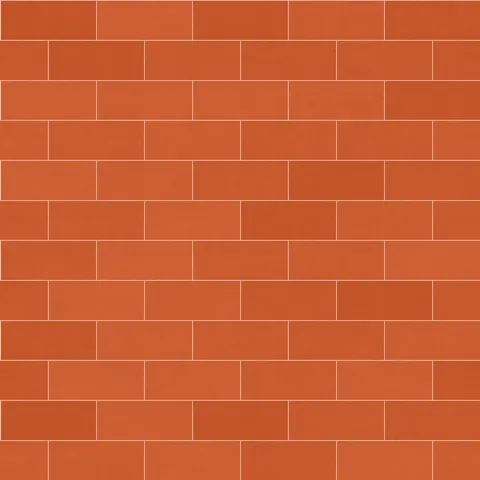
Terracotta Brick
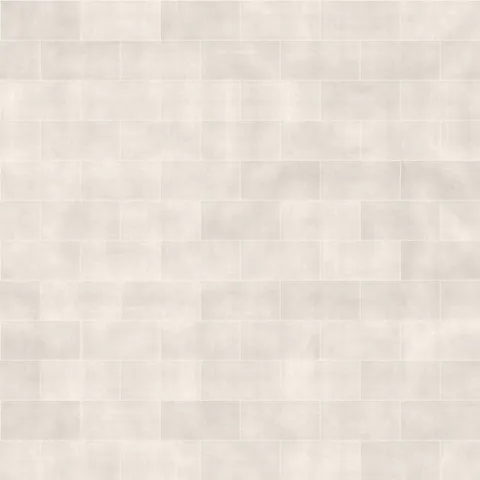
Whitewashed Brick
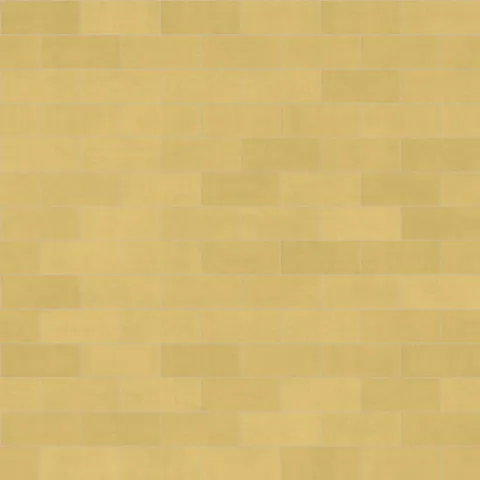
Yellow London Brick
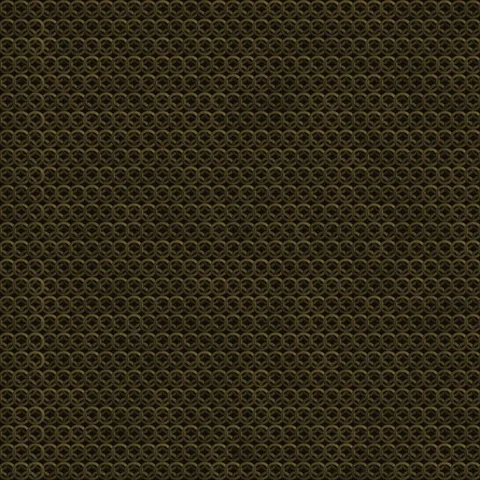
Ancient Bronze Chain Mail
Blackened Steel Chain Mail
Workflow in Blender
In Blender, drop each map into a Principled BSDF shader. Use the Image Texture node set to non-colour data for everything except the Base Color input — the colour management path otherwise double-gamma-corrects linear maps and produces washed-out results. For displacement, Cycles supports true displacement via the Material Output's Displacement socket, while EEVEE fakes it with a bump node. If the texture is meant to loom close to camera, bump up the node's Texture Coordinate to Object or UV with visible seams checked — Blender's default Generated coordinates can cause subtle distortion at mesh boundaries.
Quality notes for geometric textures
Geometric patterns need exact scale because the human eye catches even small misalignments in regular repeats. Set UV coordinates so that complete pattern repeats fall on mesh vertices wherever possible — a half-cut tile or brick along a surface edge reads immediately as a rendering error. For tiled wall surfaces, measure the real-world tile size and adjust the texture's UV scale to match. For pure decoration (wallpaper, wrapping), scale and density are design choices rather than correctness requirements.
Blender × Geometric specifics
For precise geometric patterns in Blender — tile, brick, chain mail — use the Object coordinate or a dedicated UV map rather than Generated coordinates. Generated can stretch and skew at mesh seams in ways that are obvious with regular repeating patterns. For architectural renders specifically, using a proper UV unwrap with a single mapping island keeps the pattern continuous.