Abstract Textures for Blender
Browse 120 free seamless abstract textures optimized for Blender. Every texture downloads as PNG at 1024px, 2048px, or 4096px — power-of-two sizes that Blender handles efficiently with mipmapping and texture compression. All textures tile perfectly with no visible seams.
Abstract textures — gradients, plasma, grunge, stained glass, and lava — are ideal for stylized surfaces, sci-fi materials, UI backgrounds, and anywhere a non-representational look is needed. In Blender, load the PNG into an Image Texture node and connect its Color output to the Base Color input of a Principled BSDF shader — confirm Extension is set to Repeat. All textures are procedurally generated and released under our royalty-free license — free for personal and commercial projects with no attribution required.
Abstract Textures
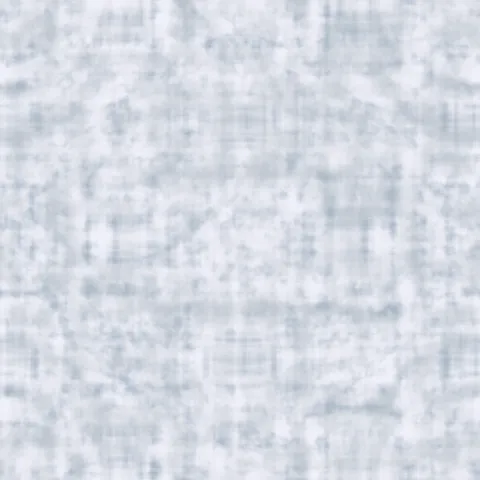
Arctic Snow Camo
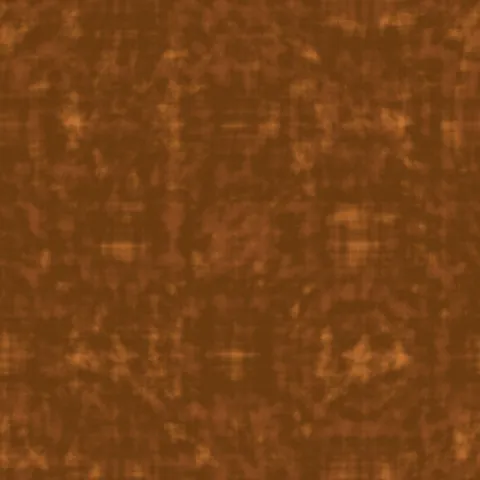
Autumn Leaf Camouflage
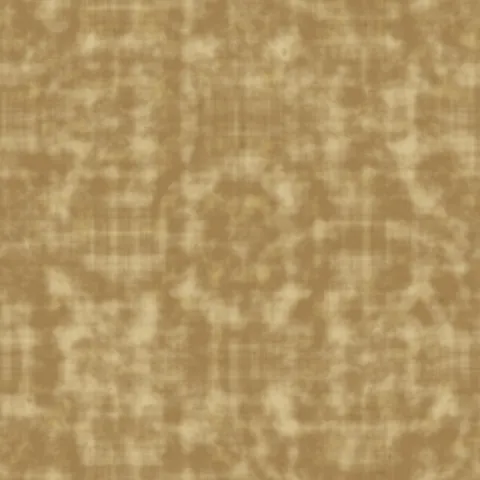
Desert Camo
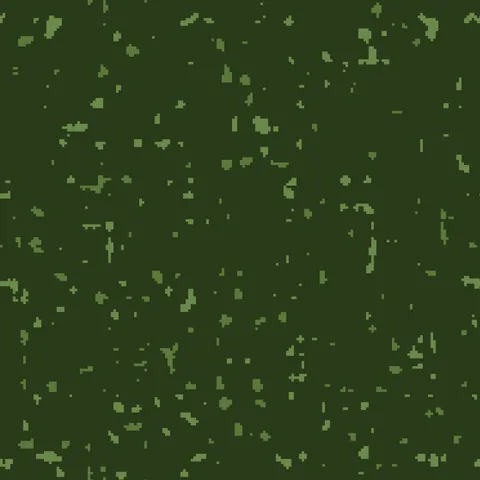
Digital Camo
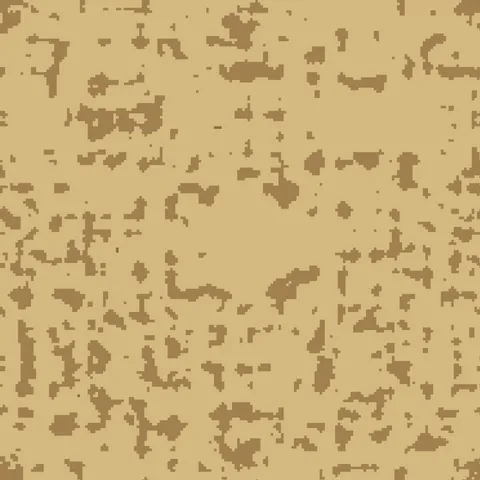
Digital Desert Camouflage
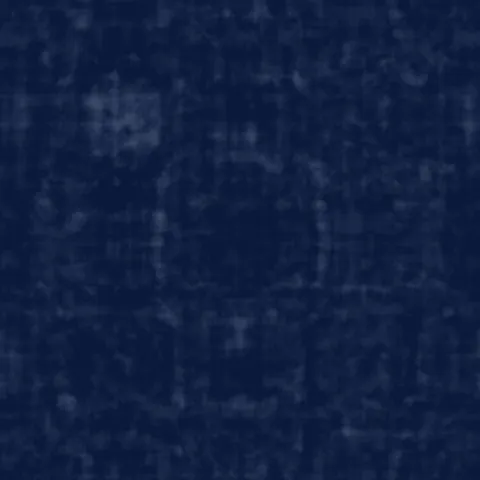
Navy Blue Camouflage
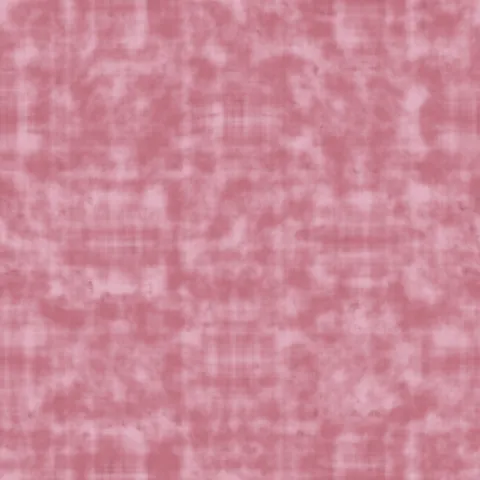
Pink Fashion Camouflage
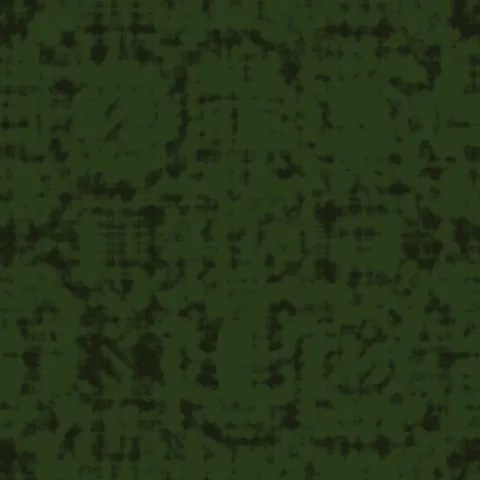
Tiger Stripe Camouflage
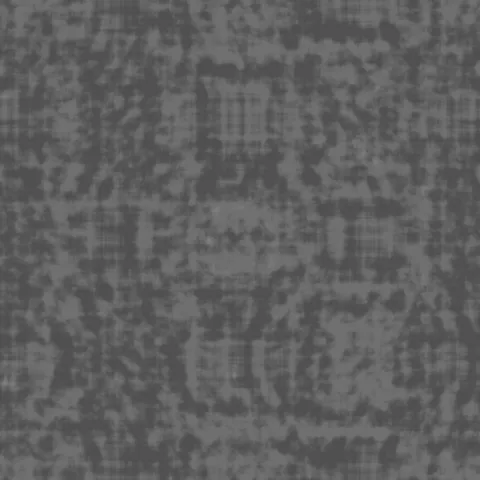
Urban Gray Camo
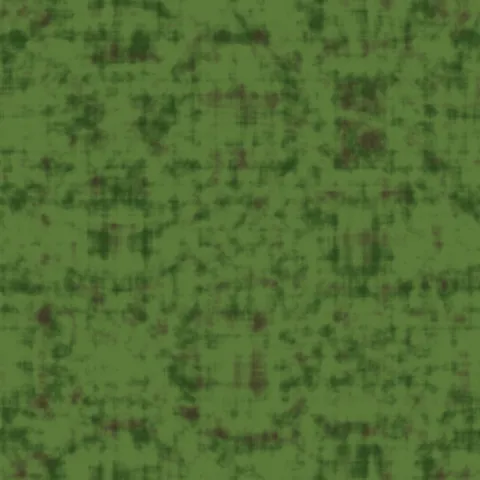
Woodland Camo
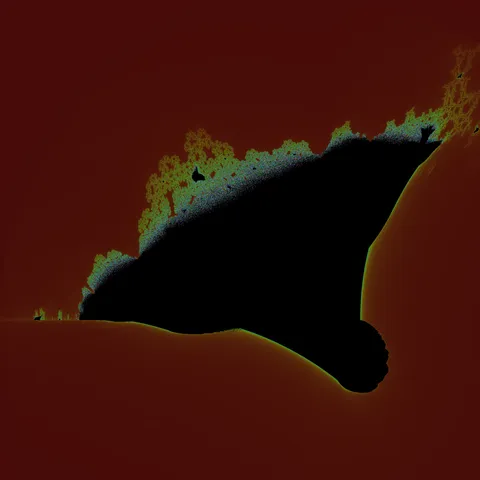
Burning Ship Armada Fractal
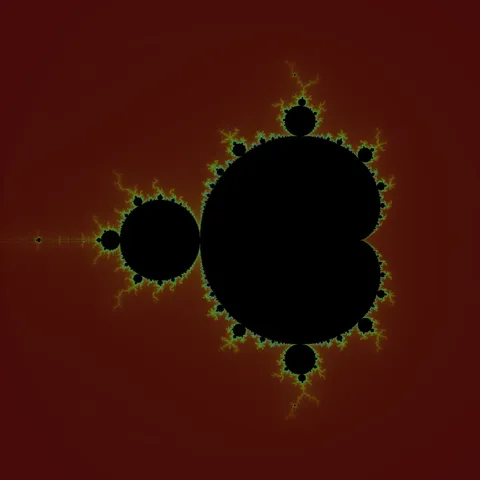
Classic Mandelbrot Fractal
Workflow in Blender
In Blender, drop each map into a Principled BSDF shader. Use the Image Texture node set to non-colour data for everything except the Base Color input — the colour management path otherwise double-gamma-corrects linear maps and produces washed-out results. For displacement, Cycles supports true displacement via the Material Output's Displacement socket, while EEVEE fakes it with a bump node. If the texture is meant to loom close to camera, bump up the node's Texture Coordinate to Object or UV with visible seams checked — Blender's default Generated coordinates can cause subtle distortion at mesh boundaries.
Quality notes for abstract textures
Abstract textures are more forgiving of application than material textures. They work as backgrounds, mood overlays, or as compositional elements regardless of surface context. When used as backgrounds behind typography or UI, keep the texture opacity subtle — anywhere from 10 to 30 per cent — so it adds warmth without competing with readable content. Higher-saturation abstract textures work better as foreground accents than full backgrounds.
Blender × Abstract specifics
In Blender, abstract textures excel as Emission input for glowing elements (neon signs, sci-fi panels, UI surfaces in-scene). Plug the texture into the Emission socket of the Principled BSDF and multiply the emission strength by 2-5 to compensate for the non-tonemapped output. For subtle effects, use abstract textures as ColorRamp inputs to remap the hue of another material.