Camouflage Pattern Generator
Design military camo patterns in woodland, desert, urban, and digital styles.
Share this exact texture with anyone
How to Use Your Camouflage Pattern Generator Texture
CSS Background
Apply as a CSS background for military, outdoor, and survival-themed website sections. Use CSS filter: sepia() or hue-rotate() to quickly shift the camo palette from woodland to desert or arctic variants.
background: url('texturize_camouflage.png') repeat;
background-size: 256px 256px;
Blender
Use as Base Color on clothing and vehicle models with UV mapping aligned to the object's longest axis. Add a slight Roughness variation (0.6-0.8) for a matte fabric or paint finish appropriate to military gear.
Unity & Unreal Engine
In Unity, apply with triplanar projection on terrain and vehicle meshes to avoid UV seam artifacts. In Unreal, use a Material Instance with exposed Tint and Scale parameters so designers can create woodland, desert, and snow variants from one base.
Photoshop & Figma
Use as a clipping mask fill in Photoshop to apply camo patterns to text, shapes, and product mockups. In Figma, apply as an image fill on clothing mockup templates for streetwear and military-inspired design previews.
Game Development
Use for military uniforms, vehicle skins, weapon wraps, and ghillie suit textures in FPS and tactical games. Create environment-specific variants (forest, desert, urban) by shifting hue and adjusting blob scale.
Architectural Visualization
Use for themed commercial interiors, paintball arena renders, and military museum exhibit visualizations. The camo pattern adds a bold thematic accent to specialty architectural spaces.
Print & Packaging
Use for outdoor and hunting brand packaging, military-themed merchandise, and streetwear clothing prints. The camouflage pattern has strong brand recognition in outdoor recreation and fashion markets.
Social Media & Video
Creates a bold, thematic backdrop for outdoor adventure brands, military appreciation content, and streetwear drops. The camo pattern is immediately recognizable and versatile across color variants.
Camouflage Pattern Generator Preset Gallery
Click any preset in the generator above to apply it instantly. Each variation is seamless and ready for download in 1024, 2048, or 4096 resolution.
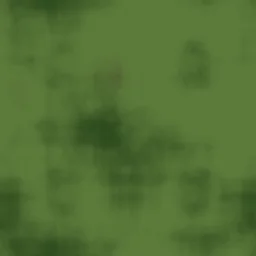
Woodland
Classic green and brown woodland camo with organic blob shapes. The standard military pattern for forest and temperate environments.
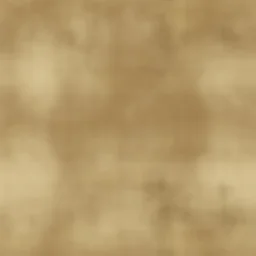
Desert
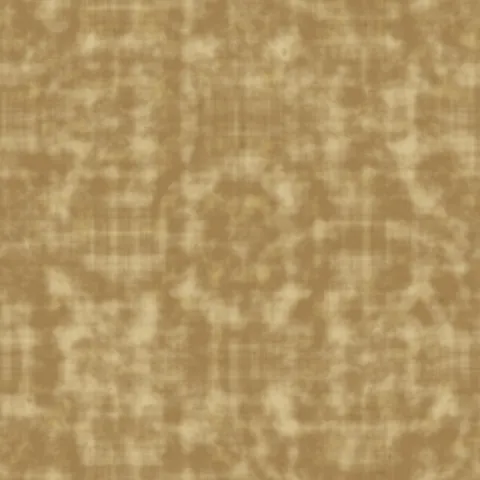
Tan and khaki desert camo with sandy earth tones. Designed for arid environments, Middle Eastern terrain, and dry climate military themes.
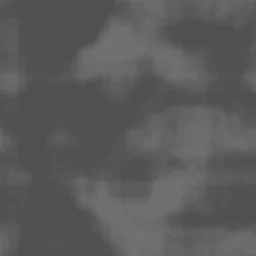
Urban Gray
Gray and dark tone urban camo for city environments. Suited for tactical urban operations, modern military themes, and industrial settings.
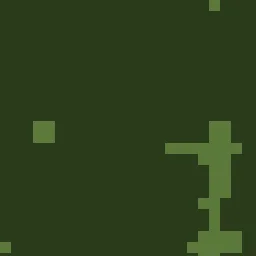
Digital
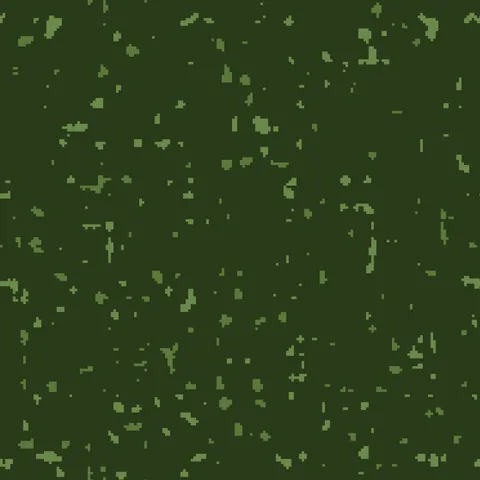
Pixelated digital camo with sharp rectangular blocks. Modern military pattern used by contemporary armed forces worldwide.
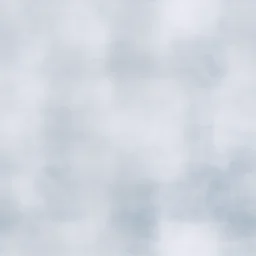
Arctic Snow
White and light gray arctic camo for snow environments. Designed for winter warfare, polar expeditions, and cold weather tactical themes.
Tiger Stripe
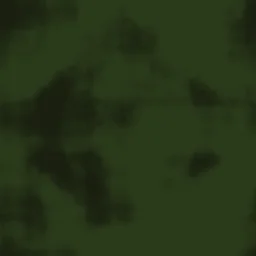
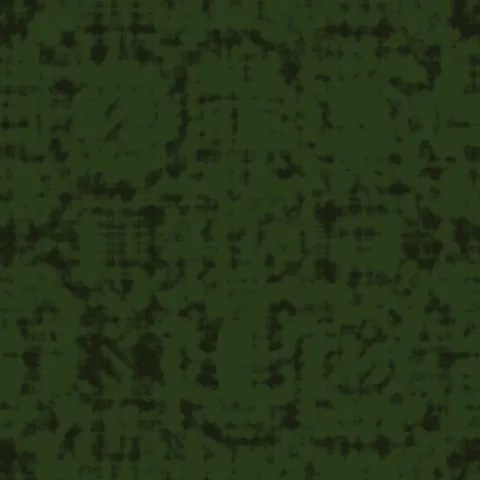
Vietnam-era tiger stripe pattern with narrow elongated blobs in deep olive and dark green tones. Perfect for jungle warfare themes, retro military designs, and tropical combat textures.

Navy Blue
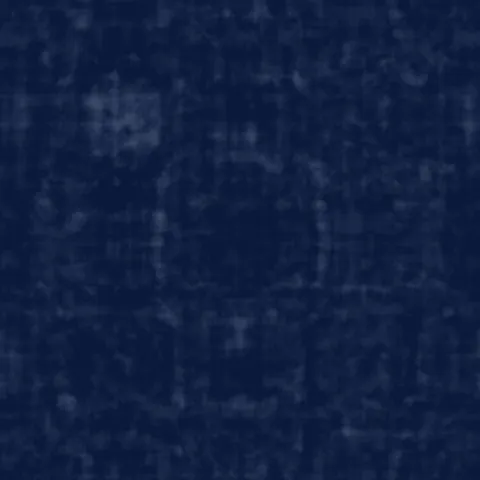
Deep naval blue camouflage with soft-edged blobs in dark blue and slate tones. Ideal for maritime themes, naval vessel textures, and ocean-inspired military designs.
Pink Fashion
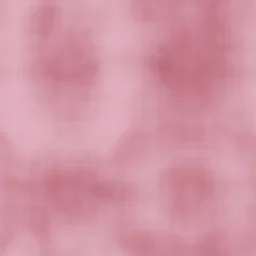
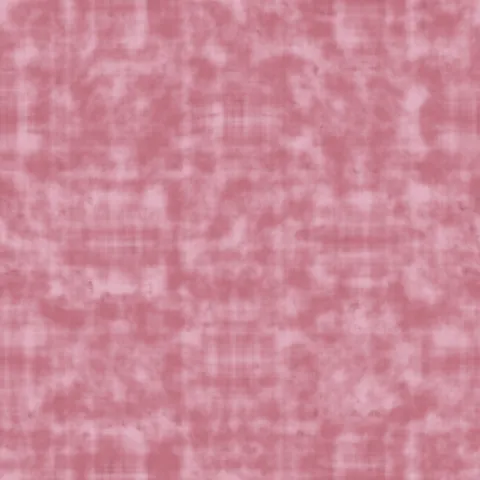
Fashionable pink camouflage with soft pastel tones and smooth blob transitions. Suited for fashion apparel, trendy streetwear designs, and playful camo-inspired branding.
Autumn Leaf
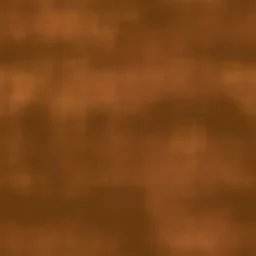
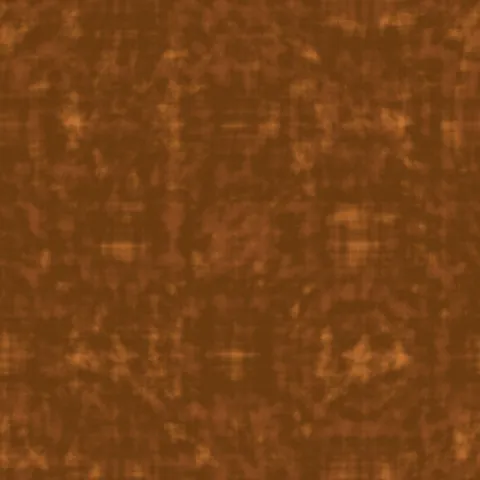
Fall-colored camouflage with warm orange, burnt sienna, and brown tones. Great for autumn hunting gear, seasonal nature themes, and warm earthy pattern designs.
Digital Desert
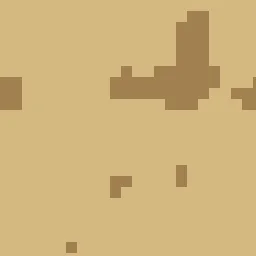
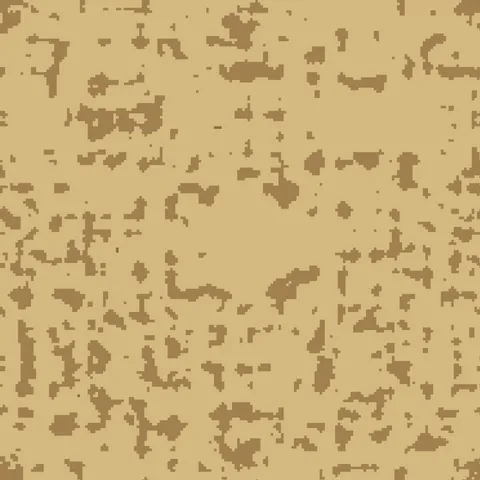
Pixelated desert camouflage with hard-edged blocky patterns in sandy khaki tones. Perfect for modern military desert operations, tactical gear designs, and arid environment textures.
Camouflage Pattern Generator FAQ
Textures Made With This Generator
View all 10 textures →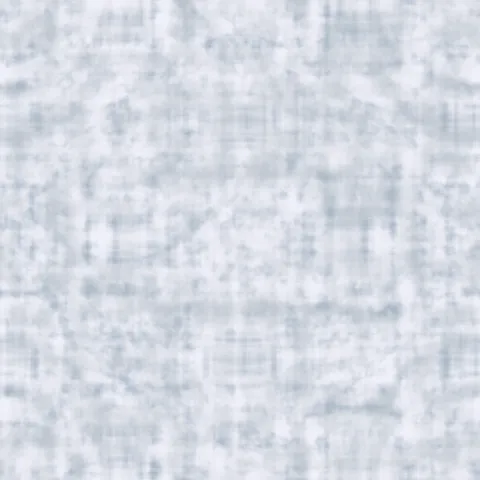
Process Your Camouflage Pattern Generator Texture
Use our free browser-based tools to enhance, mix, and analyze your textures.
Texture Mixer
Blend this texture with another for unique combinations.
Make Seamless
Ensure perfect seamless tiling for any image.
Normal Map Generator
Generate normal maps from your texture for 3D and PBR workflows.
Color Palette Extractor
Extract the dominant colors from your texture.
All tools run in your browser — no uploads, no servers.
How the camouflage generator works
The algorithm
The camouflage generator uses multi-layer FBM with hard threshold quantisation to produce the irregular organic blobs of classic camo patterns. Unlike smooth noise outputs, the thresholding creates crisp edges between the distinct camo colours. A typical camo pattern has four or five palette colours; each is assigned to a value range in the underlying noise field. Modern digital camo (pixel camo) is produced by quantising to a pixel grid on top of the organic blob layer, which breaks up the silhouette at longer viewing distances.
What the parameters do
palette picks between woodland, desert, urban, arctic, and jungle variants. blobSize controls the scale of the camo patches. digital toggles between classic organic camo and modern pixel camo. complexity adjusts the number of distinct colour bands.
What it's good for
Military and tactical game environments, outdoor gear visualisation, fashion and streetwear design, camping and hunting equipment branding, and decorative backgrounds for tactical-themed content.
Practical tips
Desert camo (MARPAT desert) uses only warm tones — tan, brown, light beige. Woodland camo (classic BDU) uses greens, browns, and black. Urban camo favours grey and black with accents of taupe. The arctic palette is near-white with light blue-grey breaks. Digital variants break up much more effectively at scale than organic; they are the modern military standard for a reason.
Related Generators
Explore more free seamless texture generators with full customization and instant PNG download.