Wood Textures for Unity
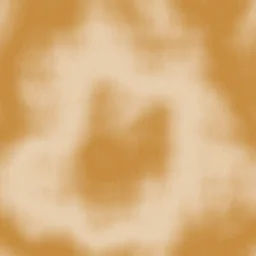
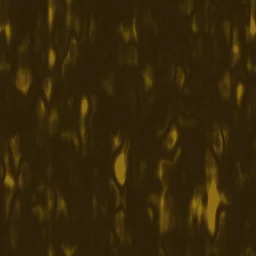
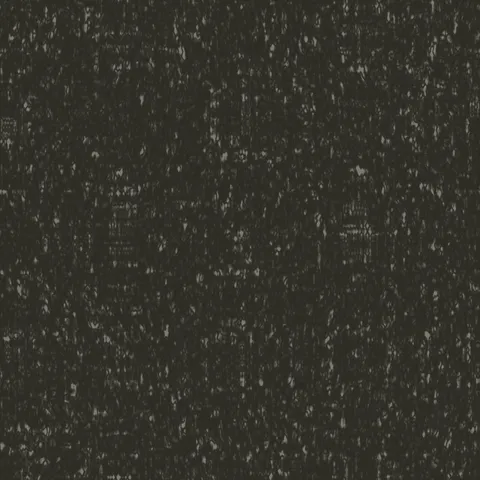
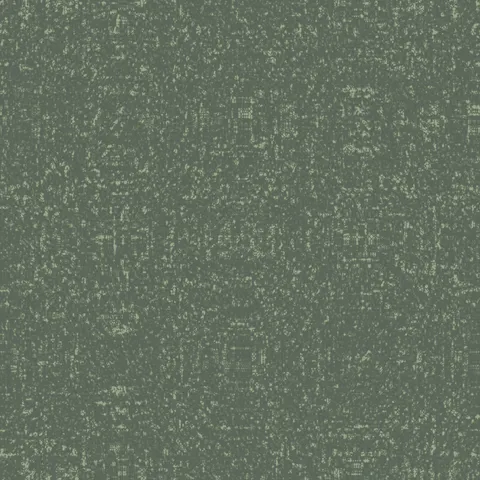
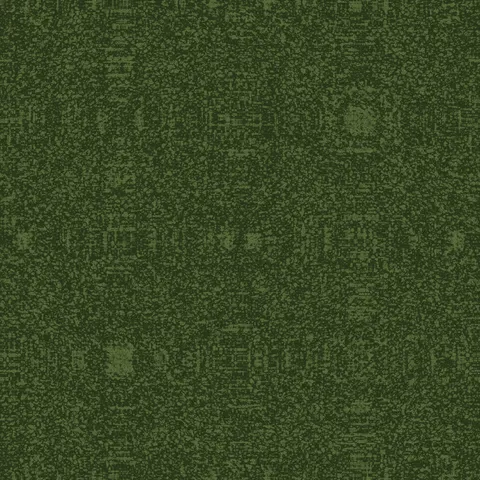
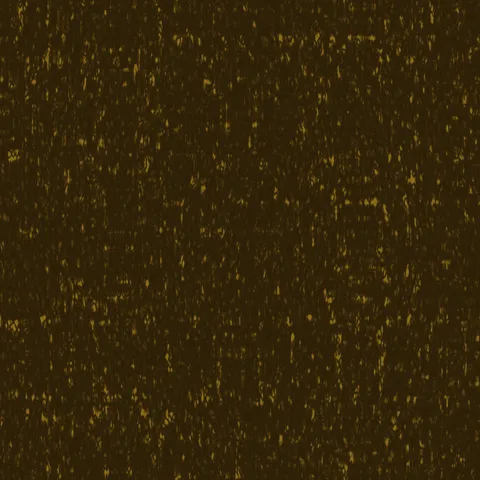
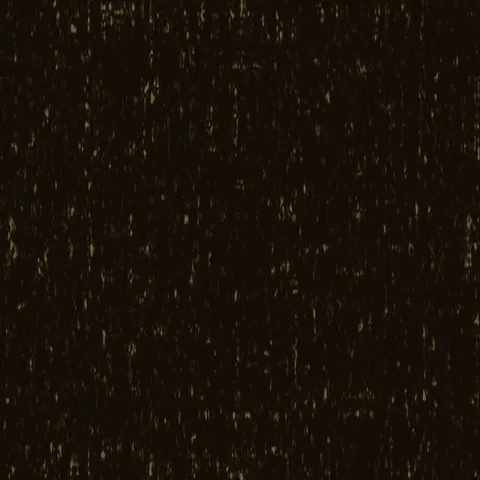
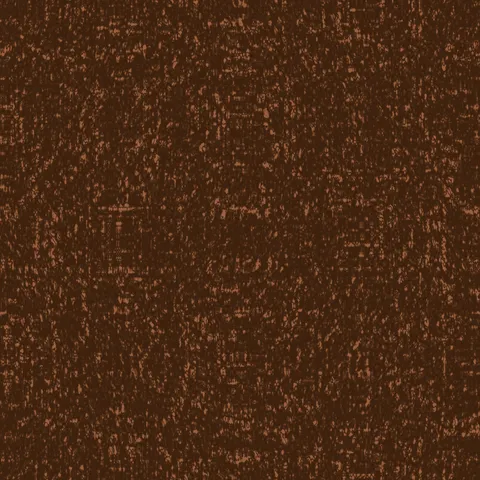
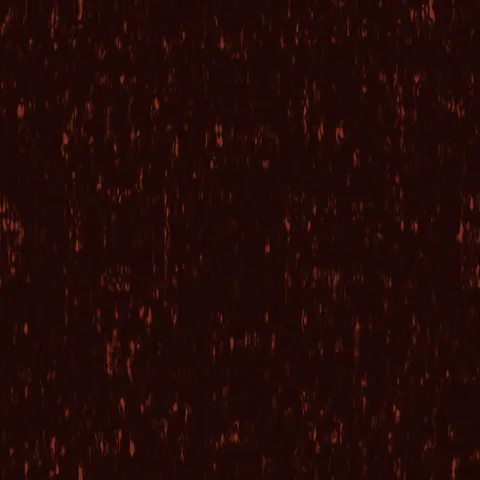
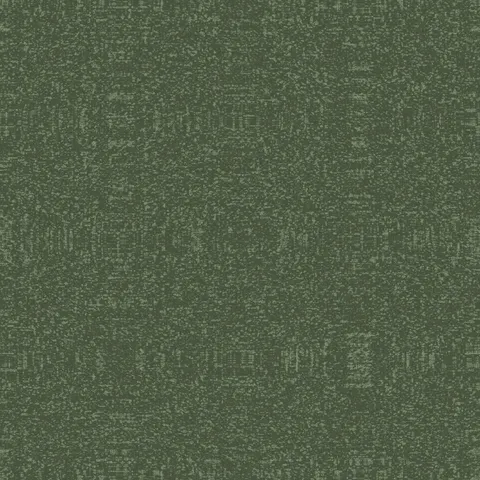
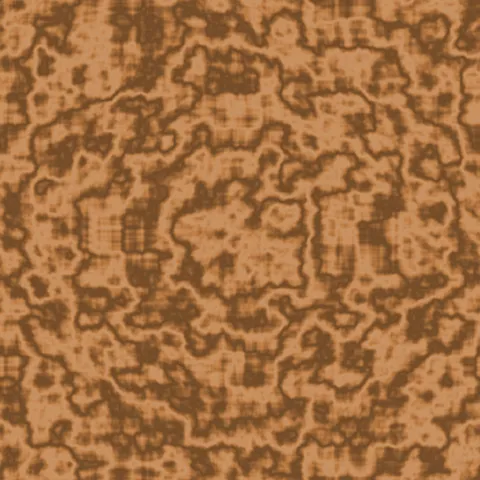
Browse 20 free seamless wood textures optimized for Unity. Every texture downloads as PNG at 1024px, 2048px, or 4096px — power-of-two sizes that Unity handles efficiently with mipmapping and texture compression. All textures tile perfectly with no visible seams.
Wood textures — wood grain and bark — are among the most versatile materials in 3D, covering everything from floorboards and furniture to forest environments and structural elements. In Unity, import the PNG into your Assets folder and assign it to the Albedo (Base Map) slot in a Lit (URP) or HDRP material — set the Wrap Mode to Repeat for seamless tiling. All textures are procedurally generated and released under our royalty-free license — free for personal and commercial projects with no attribution required.
Wood Textures
Workflow in Unity
In Unity, import any texture as sRGB for base colour maps and as linear for normal, roughness, metallic, and AO maps — the compression and colour space choices matter enormously for PBR accuracy. The Standard shader expects metallic intensity in the alpha channel of the metallic map, which is a common gotcha. For mobile targets, compress to ASTC (iOS and newer Android) or ETC2 (fallback) rather than shipping uncompressed PNGs; the visual difference is negligible and the VRAM savings are substantial. Scale each texture's UV tiling so that one tile covers about 1 to 2 metres of surface in-game, which keeps pixel density consistent across objects.
Quality notes for wood textures
Wood textures carry visible directionality — the grain must run with the wood's implied length axis. Cross-grain application to a board-shaped surface reads immediately wrong. For flooring, rotate successive planks 180 degrees to avoid pattern alignment across the whole surface. For finished wood (polished table, varnished panel), pair the colour map with a very low roughness value; for raw wood (rough-sawn, weathered), roughness should stay high. Knots and grain irregularities read as quality signals — uniform wood looks artificial.
Unity × Wood specifics
In Unity, wood textures benefit from the Secondary Maps section of the Standard shader. Apply a finer-detail noise map to the Detail Albedo slot to break up obvious large-scale grain repeats. This is especially valuable for floor textures, which viewers spend the most time looking at in typical gameplay.