Wood Textures for Photoshop
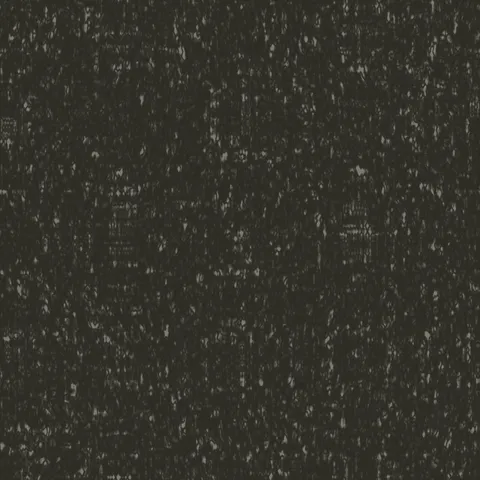
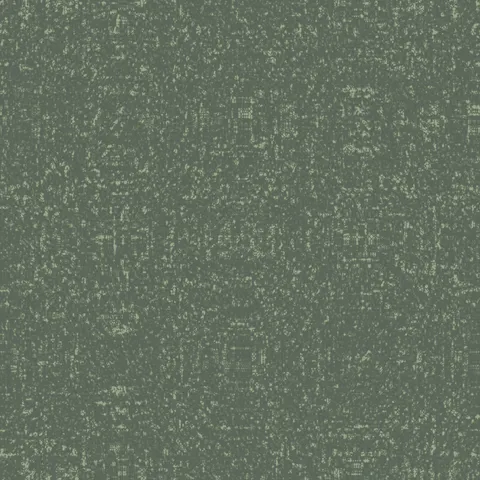
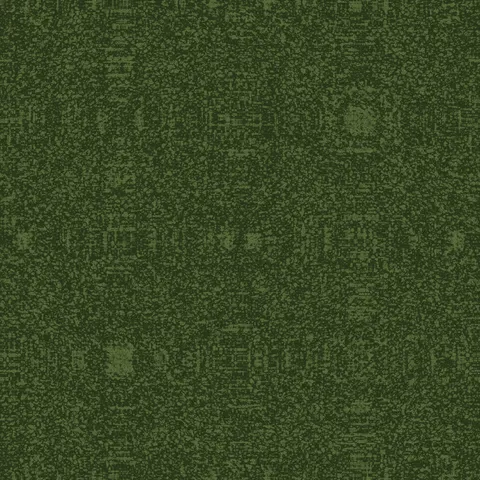
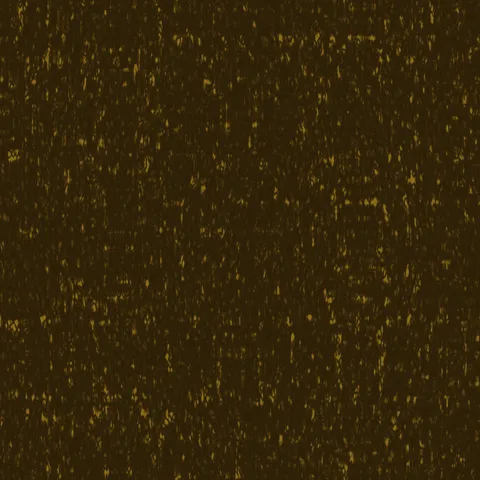
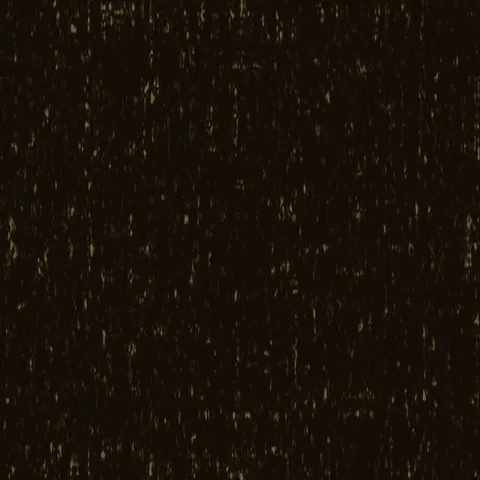
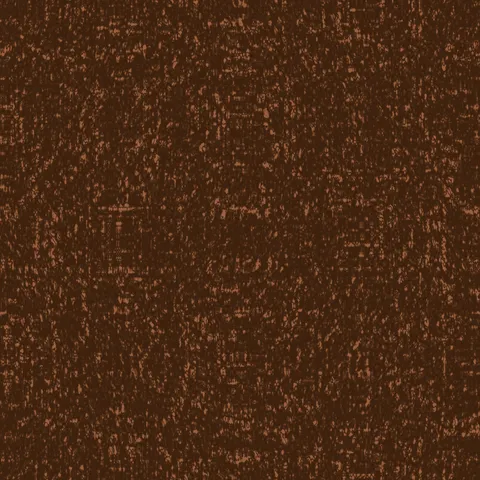
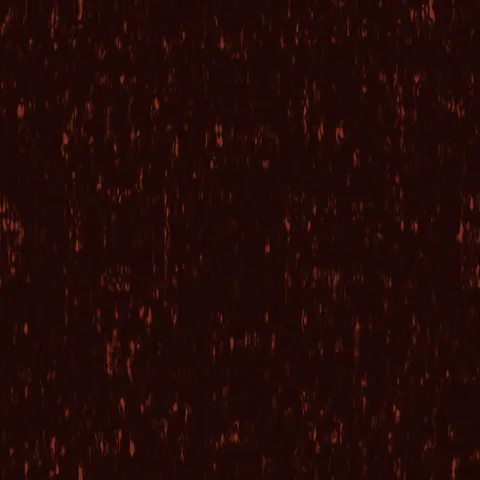
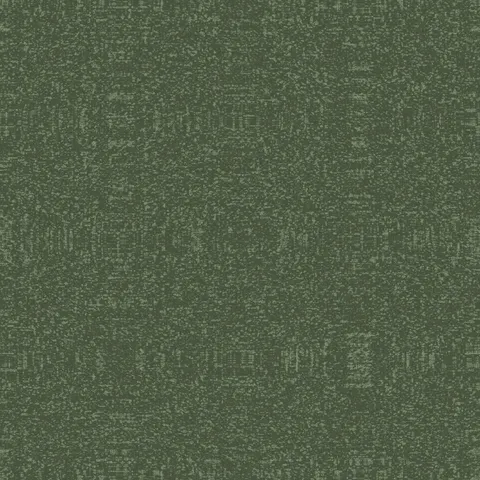
Browse 20 free seamless wood textures optimized for Photoshop. Every texture downloads as PNG at 1024px, 2048px, or 4096px — power-of-two sizes that Photoshop handles efficiently with mipmapping and texture compression. All textures tile perfectly with no visible seams.
Wood textures — wood grain and bark — are among the most versatile materials in 3D, covering everything from floorboards and furniture to forest environments and structural elements. In Photoshop, open the PNG and use Edit > Define Pattern to register it as a reusable fill pattern, or drag it directly into a Smart Object layer for non-destructive tiling. All textures are procedurally generated and released under our royalty-free license — free for personal and commercial projects with no attribution required.
Wood Textures
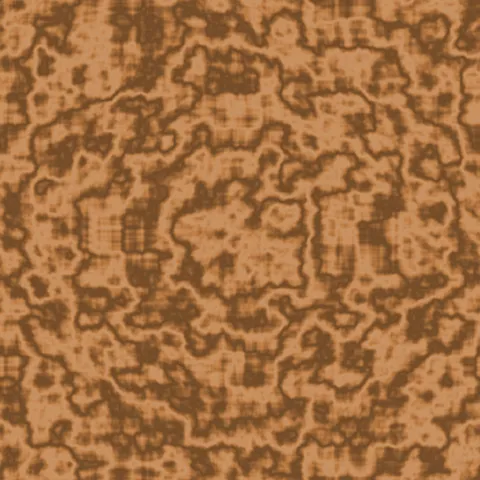
Workflow in Photoshop
In Photoshop, open any texture as a Smart Object to preserve the ability to edit the source later without losing quality. For pattern tiling, use Edit > Define Pattern on the texture tile, then apply via Layer Style > Pattern Overlay — this gives you repeat control with opacity and blend mode without needing to duplicate the layer. For web export, save as PNG-8 if the palette is limited (most generator outputs do fine at 256 colours) or PNG-24 for photographic textures. WebP at 85% quality is roughly half the file size with no visible difference.
Quality notes for wood textures
Wood textures carry visible directionality — the grain must run with the wood's implied length axis. Cross-grain application to a board-shaped surface reads immediately wrong. For flooring, rotate successive planks 180 degrees to avoid pattern alignment across the whole surface. For finished wood (polished table, varnished panel), pair the colour map with a very low roughness value; for raw wood (rough-sawn, weathered), roughness should stay high. Knots and grain irregularities read as quality signals — uniform wood looks artificial.
Photoshop × Wood specifics
Photoshop's Displace filter accepts our wood textures as height maps for convincing surface-conforming effects. Apply text or graphics over a wood background, save the wood layer as a PSD, and run Displace (with horizontal and vertical amplitudes matched) on the text layer. The text now follows the grain as if carved or printed onto the wood.