Fabric Textures for Photoshop
Browse 90 free seamless fabric textures optimized for Photoshop. Every texture downloads as PNG at 1024px, 2048px, or 4096px — power-of-two sizes that Photoshop handles efficiently with mipmapping and texture compression. All textures tile perfectly with no visible seams.
Fabric textures — denim, leather, woven cloth, carbon fiber, and scales — bring tactile realism to clothing, furniture, vehicle interiors, and any surface that should read as soft or woven. In Photoshop, open the PNG and use Edit > Define Pattern to register it as a reusable fill pattern, or drag it directly into a Smart Object layer for non-destructive tiling. All textures are procedurally generated and released under our royalty-free license — free for personal and commercial projects with no attribution required.
Fabric Textures

Blue Tint Carbon Fiber

Classic Black Carbon Fiber
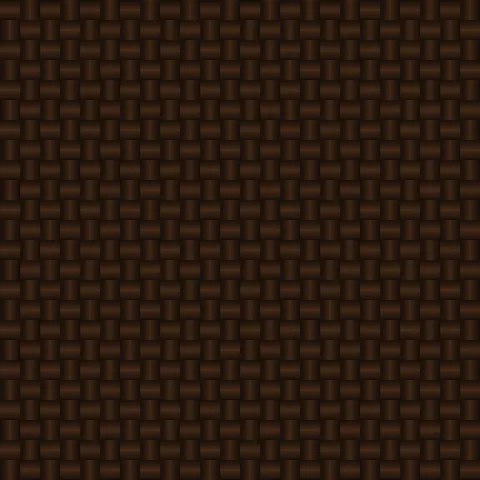
Copper Weave Carbon Fiber
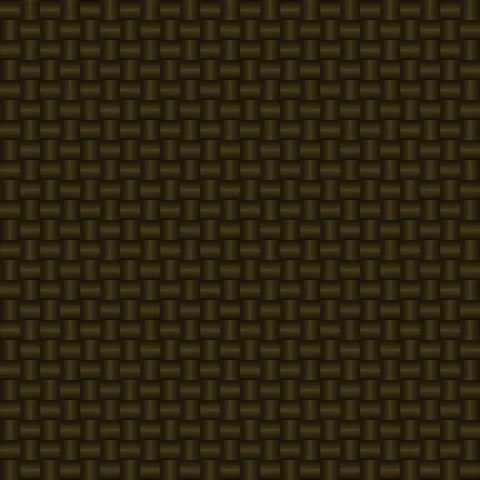
Gold Herringbone Carbon Fiber
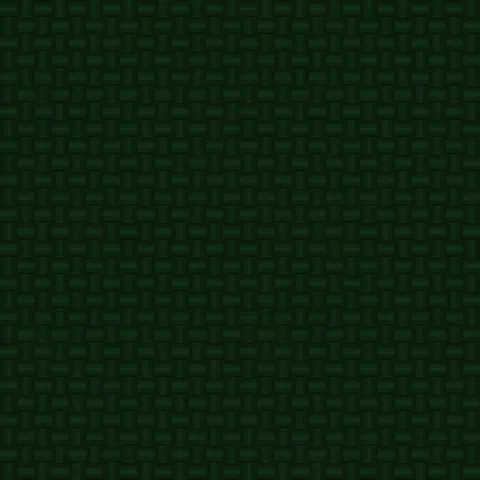
Green Racing Carbon Fiber

Matte Stealth Carbon Fiber

Purple Frost Carbon Fiber
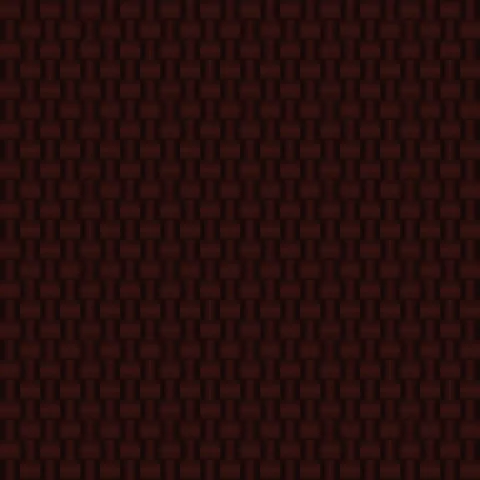
Red Accent Carbon Fiber
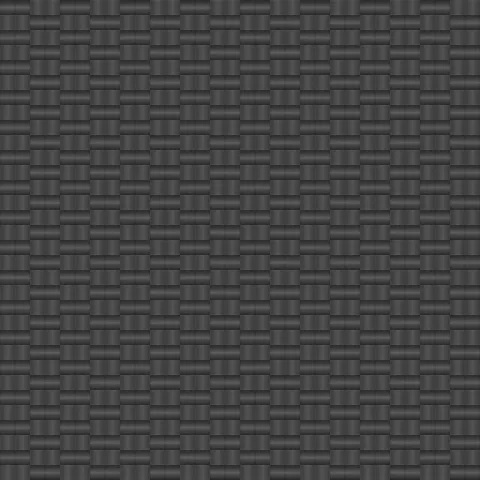
Silver Weave Carbon Fiber
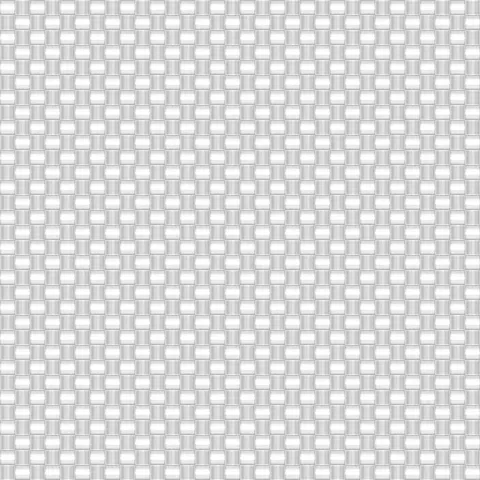
White Pearl Carbon Fiber
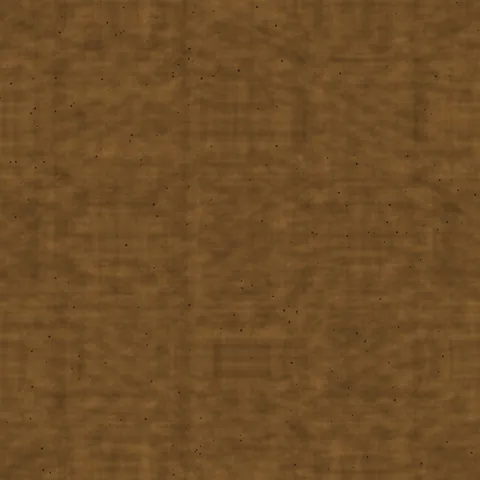
Bark Cork Cork

Burnt Cork Cork
Workflow in Photoshop
In Photoshop, open any texture as a Smart Object to preserve the ability to edit the source later without losing quality. For pattern tiling, use Edit > Define Pattern on the texture tile, then apply via Layer Style > Pattern Overlay — this gives you repeat control with opacity and blend mode without needing to duplicate the layer. For web export, save as PNG-8 if the palette is limited (most generator outputs do fine at 256 colours) or PNG-24 for photographic textures. WebP at 85% quality is roughly half the file size with no visible difference.
Quality notes for fabric textures
Fabric textures need to be tight enough that the weave reads. Extreme zoom reveals the underlying thread grid and breaks the illusion of continuous cloth. Target a UV scale that shows individual weave elements but keeps them small relative to the overall surface — typically threads should read at about 1 to 3 millimetres at expected viewing distance. Pair fabric textures with appropriate sheen values: matte fabrics like cotton at roughness 0.8+, silk or satin at roughness 0.2 to 0.4.
Photoshop × Fabric specifics
For fabric product mockups in Photoshop, apply our fabric texture via Warp transform to simulate cloth drape over a garment. Use Displacement Mapping with an underlying shape layer as the displacement map for accurate wrinkle conformance. The 4K texture download is essential at this step — anything smaller reveals pixelation under the Warp transform.