Fabric Textures for PBR Workflows
Browse 90 free seamless fabric textures optimized for PBR Workflows. Every texture downloads as PNG at 1024px, 2048px, or 4096px — power-of-two sizes that PBR Workflows handles efficiently with mipmapping and texture compression. All textures tile perfectly with no visible seams.
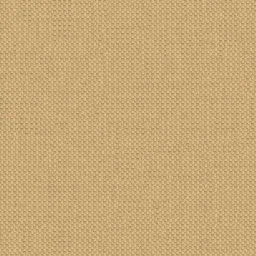
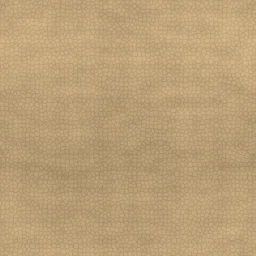
Fabric textures — denim, leather, woven cloth, carbon fiber, and scales — bring tactile realism to clothing, furniture, vehicle interiors, and any surface that should read as soft or woven. In PBR pipelines, use the PNG as the Base Color (Albedo) input, then pass it through our Normal Map Generator to produce a matching normal map for realistic light interaction. All textures are procedurally generated and released under our royalty-free license — free for personal and commercial projects with no attribution required.
Fabric Textures

Blue Tint Carbon Fiber

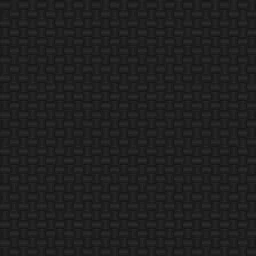
Classic Black Carbon Fiber
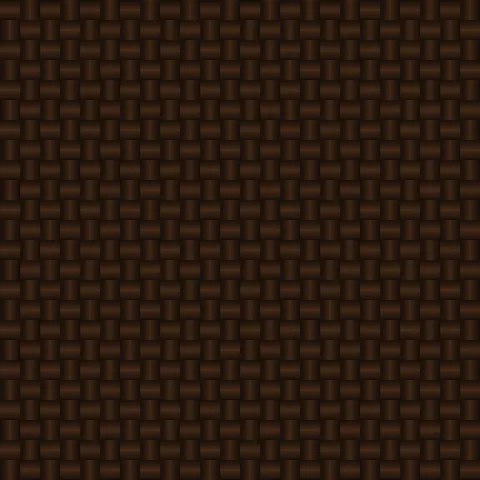
Copper Weave Carbon Fiber
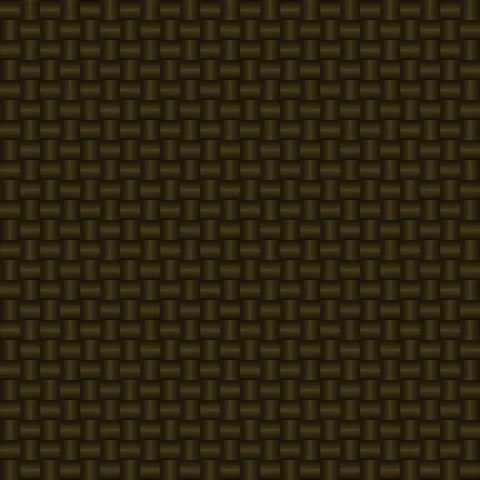
Gold Herringbone Carbon Fiber
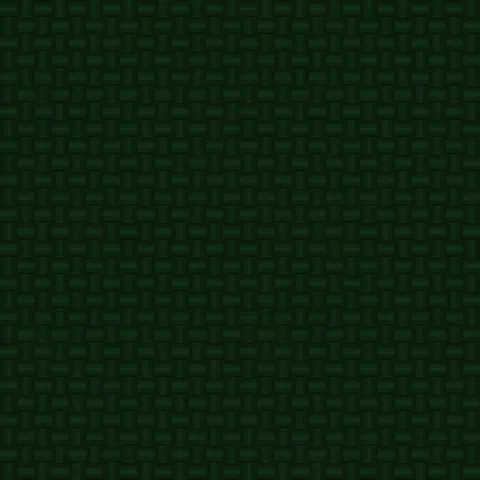
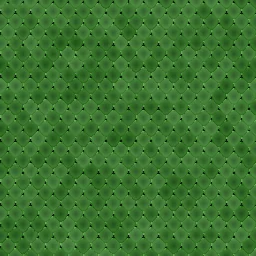
Green Racing Carbon Fiber

Matte Stealth Carbon Fiber

Purple Frost Carbon Fiber
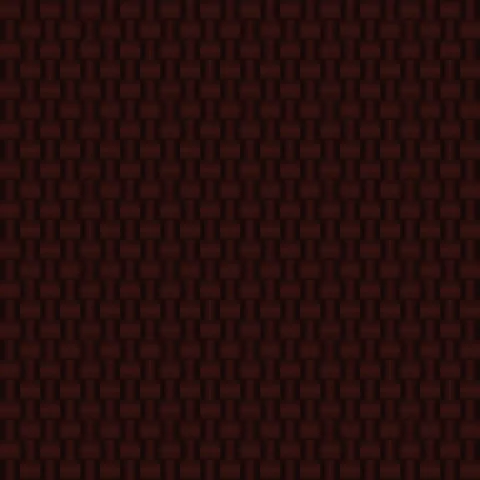
Red Accent Carbon Fiber
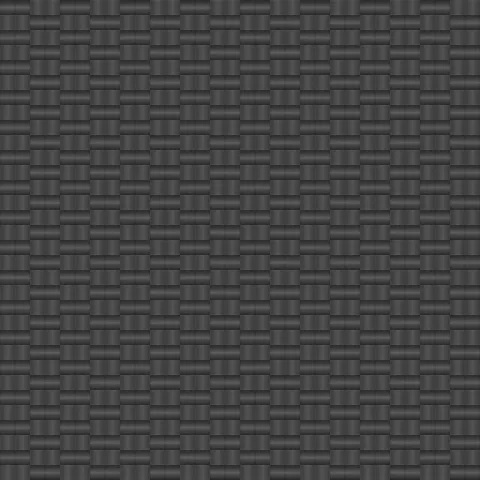
Silver Weave Carbon Fiber
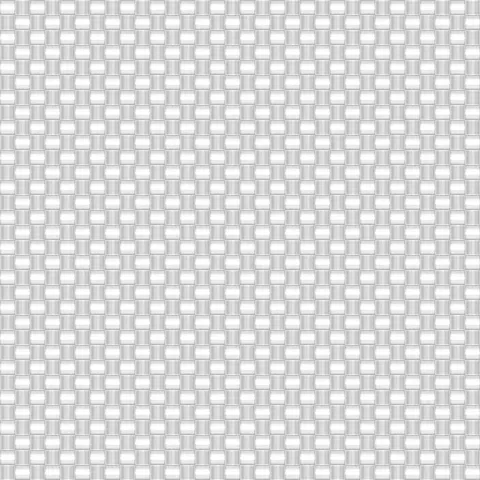
White Pearl Carbon Fiber
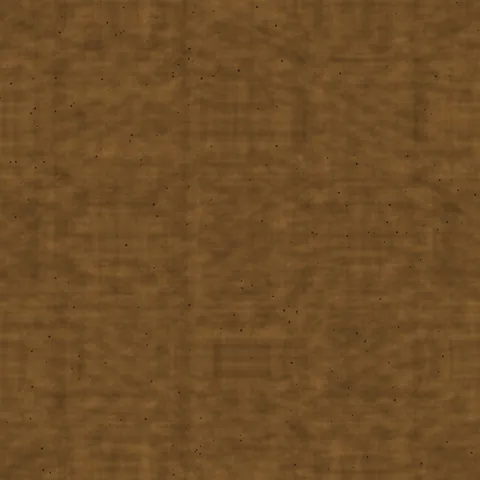
Bark Cork Cork
Burnt Cork Cork
Workflow in PBR Workflows
In a PBR (physically based rendering) workflow, every texture belongs to a channel set — Base Color (sRGB), Normal (linear, Y-axis convention varies), Roughness (linear, 0-1 where 0 is mirror and 1 is diffuse), Metallic (linear, effectively binary in real materials), and AO (linear, multiplies diffuse lighting). Ship the full set together. For the textures here that are sold as colour maps only, pair with the Normal Map tool to derive a normal from the colour or height, and use the Palette Extractor to generate roughness variations. PBR workflows are extremely sensitive to correct colour-space tagging — most render issues come from this.
Quality notes for fabric textures
Fabric textures need to be tight enough that the weave reads. Extreme zoom reveals the underlying thread grid and breaks the illusion of continuous cloth. Target a UV scale that shows individual weave elements but keeps them small relative to the overall surface — typically threads should read at about 1 to 3 millimetres at expected viewing distance. Pair fabric textures with appropriate sheen values: matte fabrics like cotton at roughness 0.8+, silk or satin at roughness 0.2 to 0.4.
PBR Workflows × Fabric specifics
For PBR fabric, set specular F0 to around 0.04 (the dielectric default) and use our fabric textures as the base colour channel. Derive an AO map from the texture via the Normal Map tool and feed it into the AO slot for in-weave shadowing — this is what produces the subtle depth real fabric has at close viewing distance. Roughness should stay high (0.7-0.9) for matte cotton, lower (0.2-0.4) for silk or satin.