Wood Textures for Godot
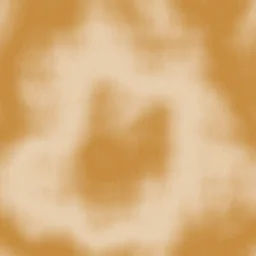
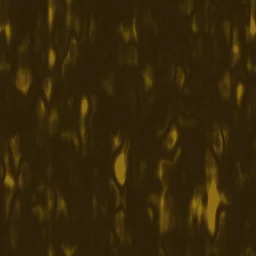
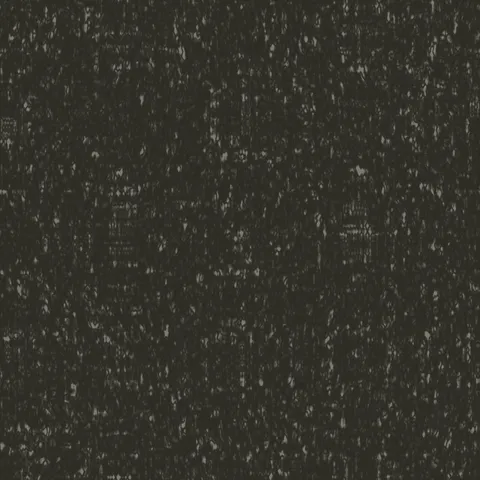
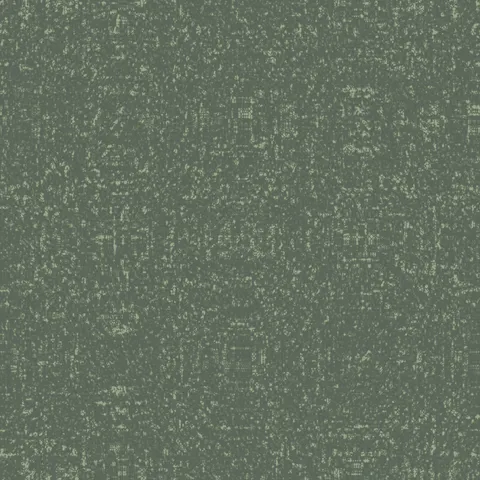
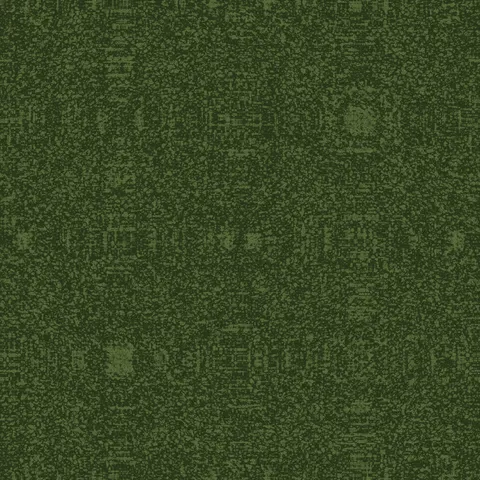
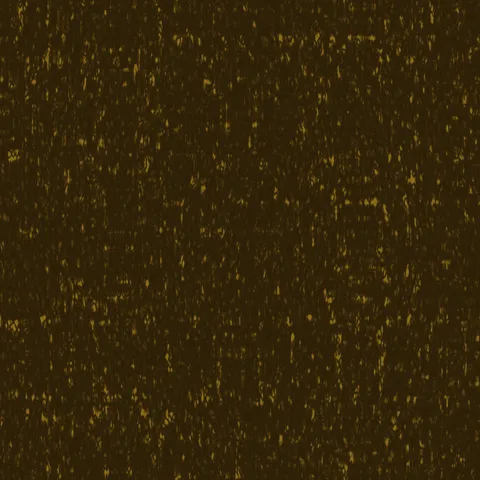
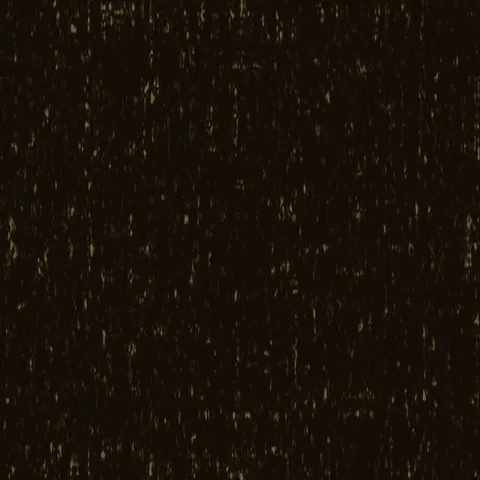
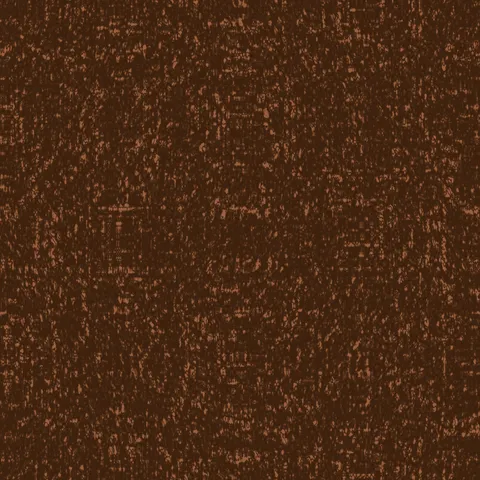
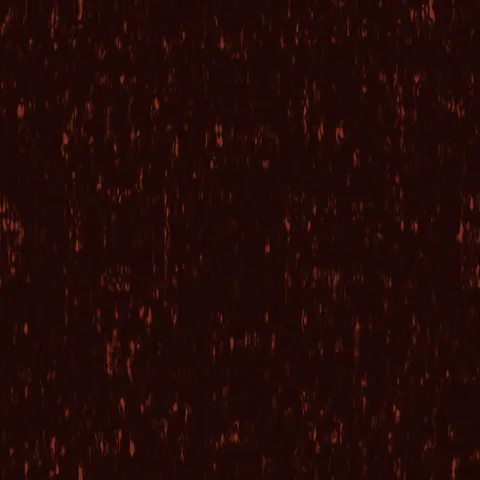
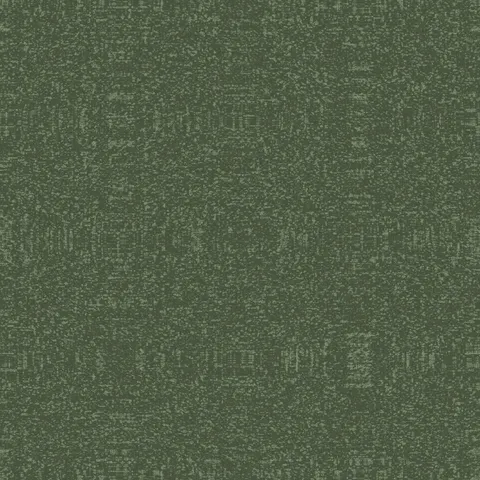
Browse 20 free seamless wood textures optimized for Godot. Every texture downloads as PNG at 1024px, 2048px, or 4096px — power-of-two sizes that Godot handles efficiently with mipmapping and texture compression. All textures tile perfectly with no visible seams.
Wood textures — wood grain and bark — are among the most versatile materials in 3D, covering everything from floorboards and furniture to forest environments and structural elements. In Godot, import the PNG as a texture resource and apply it through a StandardMaterial3D or ShaderMaterial — set the UV repeat flags for seamless tiling across surfaces. All textures are procedurally generated and released under our royalty-free license — free for personal and commercial projects with no attribution required.
Wood Textures
Workflow in Godot
In Godot, use the StandardMaterial3D's Albedo, Normal, Roughness, Metallic, and Height slots for standard PBR textures. Godot expects normal maps in OpenGL convention (Y-up) rather than DirectX (Y-down); many texture packs ship in DirectX convention and need the green channel inverted, which is a common source of wrong-looking normal maps. For translucent surfaces like ice or stained glass, use Transparency set to Alpha Scissor for sharp cutouts or Alpha for soft blending. The 2D engine also accepts these textures directly for backgrounds or sprites — they tile cleanly without needing extra repeat flags.
Quality notes for wood textures
Wood textures carry visible directionality — the grain must run with the wood's implied length axis. Cross-grain application to a board-shaped surface reads immediately wrong. For flooring, rotate successive planks 180 degrees to avoid pattern alignment across the whole surface. For finished wood (polished table, varnished panel), pair the colour map with a very low roughness value; for raw wood (rough-sawn, weathered), roughness should stay high. Knots and grain irregularities read as quality signals — uniform wood looks artificial.
Godot × Wood specifics
For wood in Godot 4, align UV orientation with each plank's long axis — cross-grain application on rectangular planks reads immediately wrong. Godot's MeshInstance3D lets you assign per-surface materials, so a wood floor with multiple plank directions should use separate UV islands per plank. The StandardMaterial3D's Refraction property can add subtle wood-varnish depth.