Marble & Stone Textures for Godot
Browse 70 free seamless marble & stone textures optimized for Godot. Every texture downloads as PNG at 1024px, 2048px, or 4096px — power-of-two sizes that Godot handles efficiently with mipmapping and texture compression. All textures tile perfectly with no visible seams.
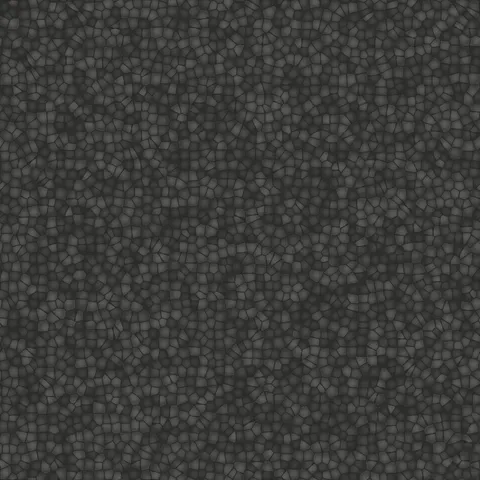
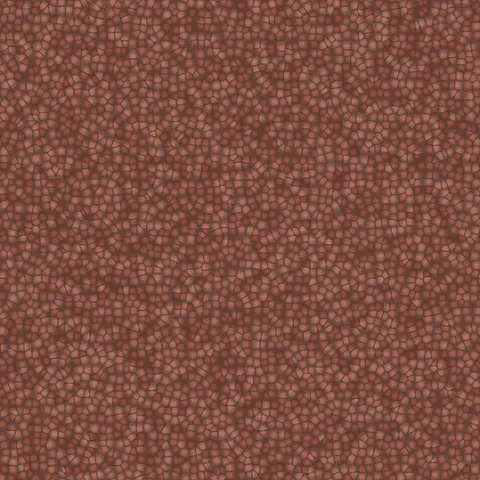
Marble and stone textures — marble, concrete, cobblestone, asphalt, plaster, and terrazzo — are essential for architectural visualization, environmental design, and any workflow requiring natural hard surfaces. In Godot, import the PNG as a texture resource and apply it through a StandardMaterial3D or ShaderMaterial — set the UV repeat flags for seamless tiling across surfaces. All textures are procedurally generated and released under our royalty-free license — free for personal and commercial projects with no attribution required.
Marble & Stone Textures










Workflow in Godot
In Godot, use the StandardMaterial3D's Albedo, Normal, Roughness, Metallic, and Height slots for standard PBR textures. Godot expects normal maps in OpenGL convention (Y-up) rather than DirectX (Y-down); many texture packs ship in DirectX convention and need the green channel inverted, which is a common source of wrong-looking normal maps. For translucent surfaces like ice or stained glass, use Transparency set to Alpha Scissor for sharp cutouts or Alpha for soft blending. The 2D engine also accepts these textures directly for backgrounds or sprites — they tile cleanly without needing extra repeat flags.
Quality notes for marble & stone textures
Hard-surface textures (marble, stone, concrete, cobblestone, asphalt, plaster, terrazzo) all share a requirement for accurate scaling. Too-small tiles read as decorative rather than structural; too-large tiles reveal the repeating pattern. Target a UV scale that produces stones roughly 10 to 25 centimetres apart for floor and wall materials. For distant views, higher tile frequencies read cleanly; for close-ups, larger individual stones with more per-tile detail serve better.
Godot × Marble & Stone specifics
In Godot 4, use the Forward+ renderer for marble rendering where SSR (screen-space reflections) are enabled — marble's polish character benefits from accurate reflections more than most materials. For mobile or web targets, Forward+ is too heavy; fall back to the Forward Mobile renderer and a higher-resolution texture to compensate for the lost reflection accuracy.