Wood Textures for Figma
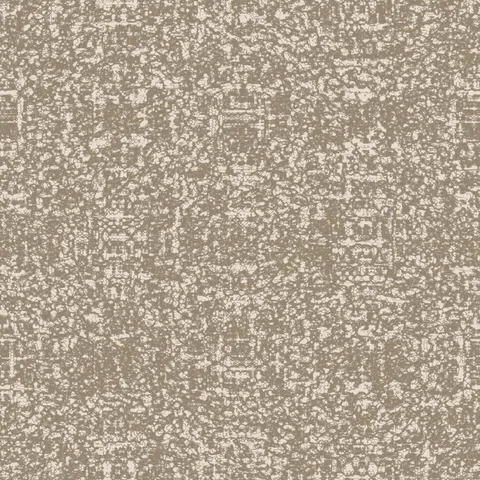
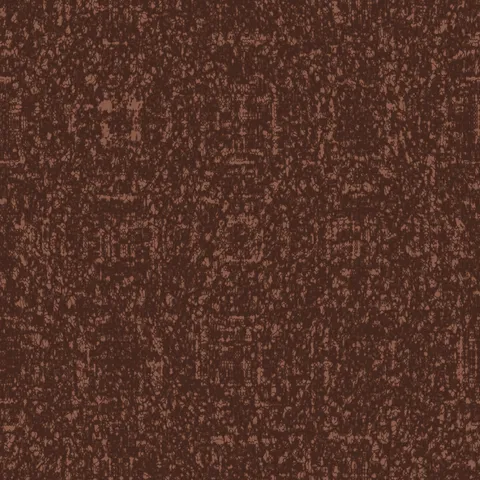
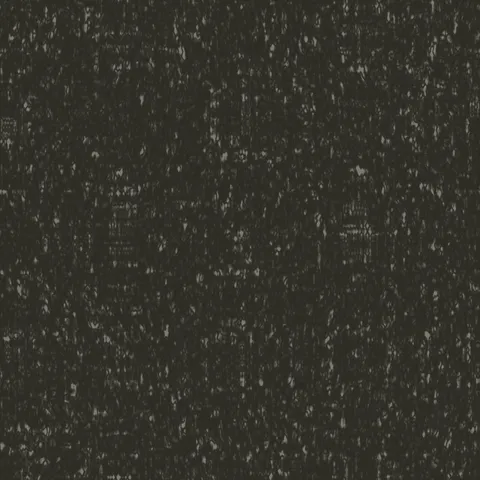
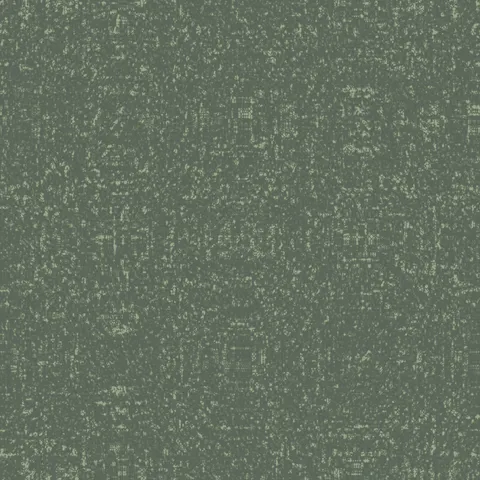
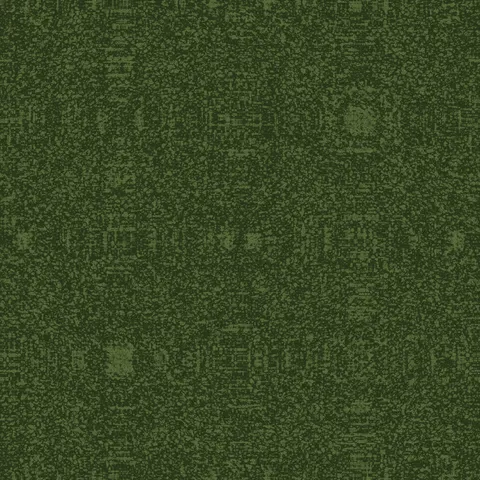
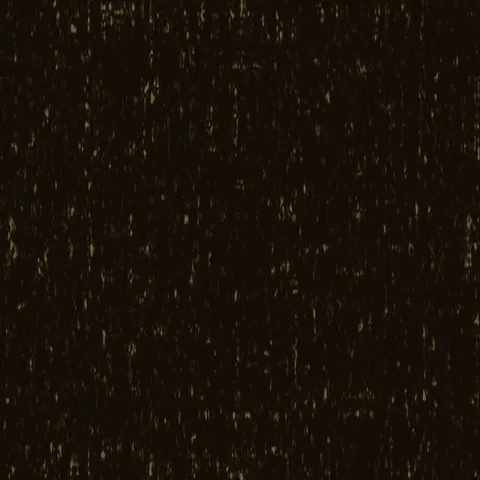
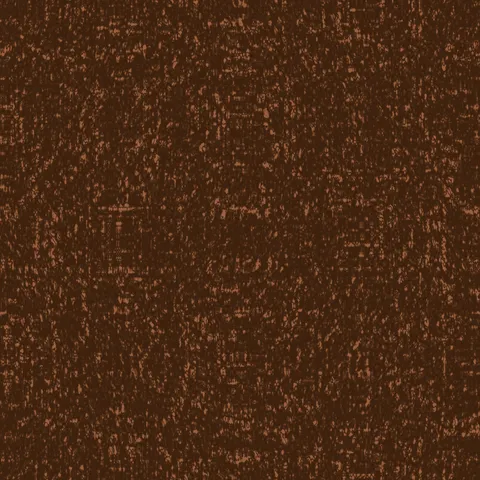
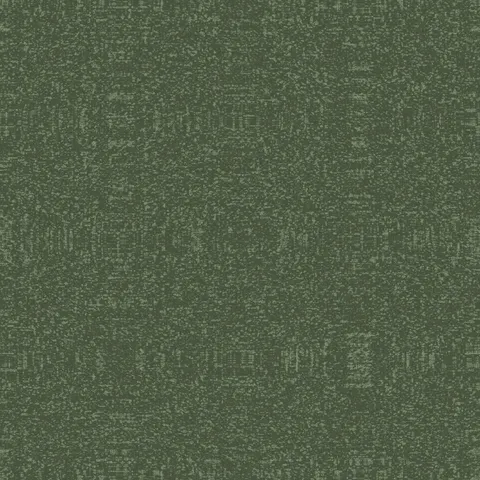
Browse 20 free seamless wood textures optimized for Figma. Every texture downloads as PNG at 1024px, 2048px, or 4096px — power-of-two sizes that Figma handles efficiently with mipmapping and texture compression. All textures tile perfectly with no visible seams.
Wood textures — wood grain and bark — are among the most versatile materials in 3D, covering everything from floorboards and furniture to forest environments and structural elements. In Figma, fill any shape or frame with the PNG using the Image fill type — set the mode to Tile to cover the entire element with a seamlessly repeating texture. All textures are procedurally generated and released under our royalty-free license — free for personal and commercial projects with no attribution required.
Wood Textures


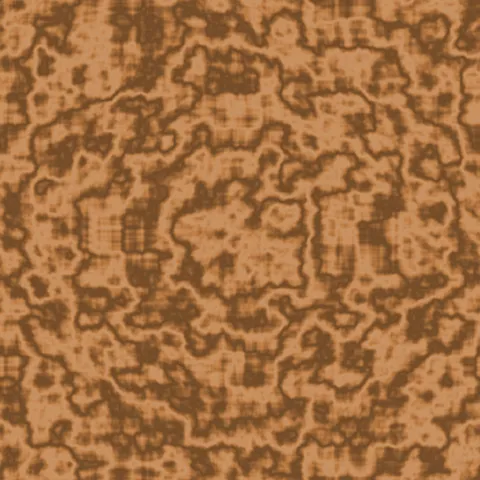
Workflow in Figma
In Figma, drop a texture into any frame's Fill with the Image fill type, then set Scale Mode to Tile. Tile produces a repeating pattern; Fill crops to the frame bounds; Fit scales down without cropping. For hero section backgrounds, Tile at 50 to 75 per cent usually reads as intentional texture rather than wallpaper. For card backgrounds, a small fill frame with a subtle texture at 15 to 30 per cent opacity adds tactile depth without distracting from the content above it. Figma uses sRGB for all image fills, so no colour-space adjustment is needed.
Quality notes for wood textures
Wood textures carry visible directionality — the grain must run with the wood's implied length axis. Cross-grain application to a board-shaped surface reads immediately wrong. For flooring, rotate successive planks 180 degrees to avoid pattern alignment across the whole surface. For finished wood (polished table, varnished panel), pair the colour map with a very low roughness value; for raw wood (rough-sawn, weathered), roughness should stay high. Knots and grain irregularities read as quality signals — uniform wood looks artificial.
Figma × Wood specifics
In Figma, wood grain textures work best with Scale Mode set to "Tile" oriented along the frame's long axis — grain running against the axis reads as wrong. For product card backgrounds, apply at 40-60% opacity with a solid brand-colour fill behind, so the grain adds warmth without overwhelming the foreground content.