Marble & Stone Textures for Figma
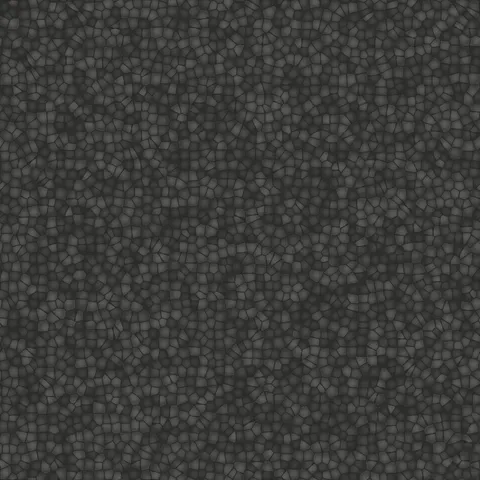
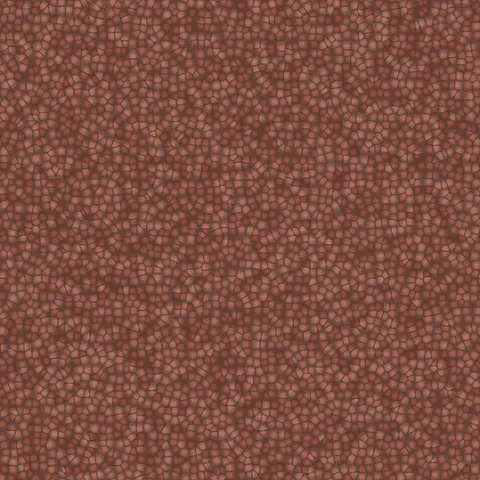
Browse 70 free seamless marble & stone textures optimized for Figma. Every texture downloads as PNG at 1024px, 2048px, or 4096px — power-of-two sizes that Figma handles efficiently with mipmapping and texture compression. All textures tile perfectly with no visible seams.
Marble and stone textures — marble, concrete, cobblestone, asphalt, plaster, and terrazzo — are essential for architectural visualization, environmental design, and any workflow requiring natural hard surfaces. In Figma, fill any shape or frame with the PNG using the Image fill type — set the mode to Tile to cover the entire element with a seamlessly repeating texture. All textures are procedurally generated and released under our royalty-free license — free for personal and commercial projects with no attribution required.
Marble & Stone Textures










Workflow in Figma
In Figma, drop a texture into any frame's Fill with the Image fill type, then set Scale Mode to Tile. Tile produces a repeating pattern; Fill crops to the frame bounds; Fit scales down without cropping. For hero section backgrounds, Tile at 50 to 75 per cent usually reads as intentional texture rather than wallpaper. For card backgrounds, a small fill frame with a subtle texture at 15 to 30 per cent opacity adds tactile depth without distracting from the content above it. Figma uses sRGB for all image fills, so no colour-space adjustment is needed.
Quality notes for marble & stone textures
Hard-surface textures (marble, stone, concrete, cobblestone, asphalt, plaster, terrazzo) all share a requirement for accurate scaling. Too-small tiles read as decorative rather than structural; too-large tiles reveal the repeating pattern. Target a UV scale that produces stones roughly 10 to 25 centimetres apart for floor and wall materials. For distant views, higher tile frequencies read cleanly; for close-ups, larger individual stones with more per-tile detail serve better.
Figma × Marble & Stone specifics
For marble in Figma frame fills, upload the 2K PNG and set Scale Mode to "Fill" rather than "Tile" — marble's vein structure reveals obvious repeats at Tile settings. For hero sections, add a linear gradient overlay from the top (20-30% opacity) to maintain text readability without flattening the marble character.