Wood Textures for Blender
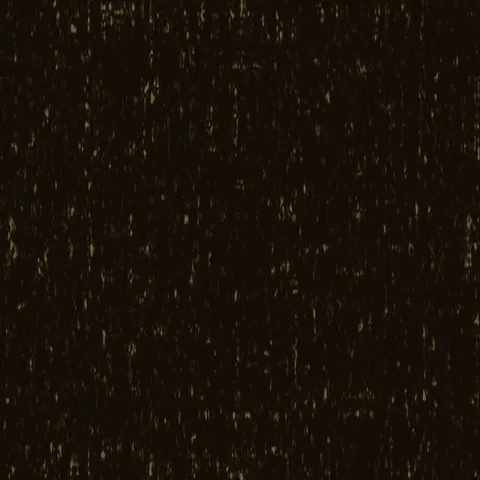
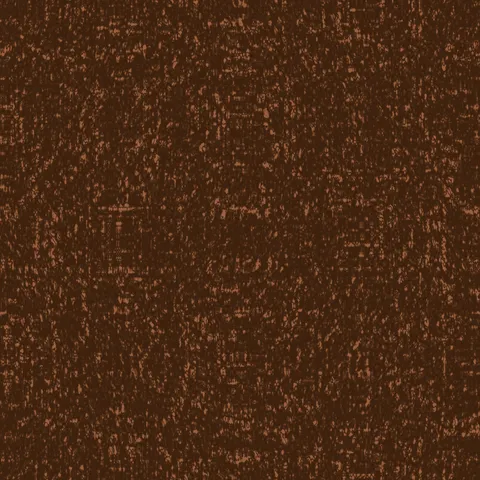
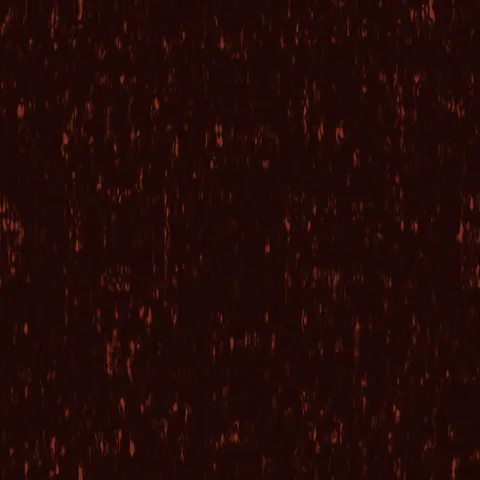
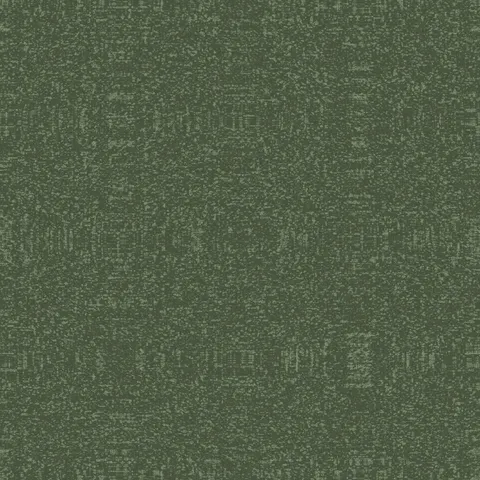
Browse 20 free seamless wood textures optimized for Blender. Every texture downloads as PNG at 1024px, 2048px, or 4096px — power-of-two sizes that Blender handles efficiently with mipmapping and texture compression. All textures tile perfectly with no visible seams.
Wood textures — wood grain and bark — are among the most versatile materials in 3D, covering everything from floorboards and furniture to forest environments and structural elements. In Blender, load the PNG into an Image Texture node and connect its Color output to the Base Color input of a Principled BSDF shader — confirm Extension is set to Repeat. All textures are procedurally generated and released under our royalty-free license — free for personal and commercial projects with no attribution required.
Wood Textures
Workflow in Blender
In Blender, drop each map into a Principled BSDF shader. Use the Image Texture node set to non-colour data for everything except the Base Color input — the colour management path otherwise double-gamma-corrects linear maps and produces washed-out results. For displacement, Cycles supports true displacement via the Material Output's Displacement socket, while EEVEE fakes it with a bump node. If the texture is meant to loom close to camera, bump up the node's Texture Coordinate to Object or UV with visible seams checked — Blender's default Generated coordinates can cause subtle distortion at mesh boundaries.
Quality notes for wood textures
Wood textures carry visible directionality — the grain must run with the wood's implied length axis. Cross-grain application to a board-shaped surface reads immediately wrong. For flooring, rotate successive planks 180 degrees to avoid pattern alignment across the whole surface. For finished wood (polished table, varnished panel), pair the colour map with a very low roughness value; for raw wood (rough-sawn, weathered), roughness should stay high. Knots and grain irregularities read as quality signals — uniform wood looks artificial.
Blender × Wood specifics
For wood in Blender's Principled BSDF, consider driving the Roughness input from the base colour through a ColorRamp node. Darker grain areas (where the wood has more resin) are typically glossier than lighter areas — a light-to-dark ramp mapped to higher-to-lower roughness produces more realistic results than a uniform roughness value.