Grunge Texture Generator
Build worn, dirty, and distressed surface textures with scratches, stains, and erosion.
Share this exact texture with anyone
How to Use Your Grunge Texture Generator Texture
CSS Background
Overlay as a CSS background with mix-blend-mode: multiply on a colored section for a distressed, worn look. Use opacity: 0.3-0.6 to control the intensity of the grunge texture over clean UI elements.
background: url('texturize_grunge.png') repeat;
background-size: 256px 256px;
Blender
Use as a Roughness map on a Principled BSDF to add worn, uneven surface quality to any material. Multiply with Base Color at low influence to add dirt and grime staining to otherwise clean surfaces.
Unity & Unreal Engine
In Unity, blend with base materials using vertex color painting for localized dirt and wear. In Unreal, use as a Lerp alpha to transition between clean and dirty Material layers, driven by a World Aligned mask for edge wear.
Photoshop & Figma
Overlay on designs with Multiply or Overlay blending mode in Photoshop for instant distressed vintage effects. In Figma, place over completed mockups at 20-40% opacity for aged paper and worn poster aesthetics.
Game Development
Essential for weathering any surface: add dirt to walls, wear to metal, and age to wood in survival and post-apocalyptic games. Use as a vertex-painted blend mask for dynamic clean-to-dirty material transitions.
Architectural Visualization
Use to add realistic aging and weathering to exterior building surfaces, concrete walls, and urban environment renders. Blend over clean base materials to simulate years of environmental exposure and dirt accumulation.
Print & Packaging
Use as a distress overlay for vintage-style posters, worn-look packaging, and retro brand identities. The gritty texture adds authentic age and character to modern print designs.
Social Media & Video
Creates a raw, textured backdrop for underground music promotions, vintage brand content, and edgy streetwear campaigns. The distressed look communicates authenticity and non-corporate identity.
Grunge Texture Generator Preset Gallery
Click any preset in the generator above to apply it instantly. Each variation is seamless and ready for download in 1024, 2048, or 4096 resolution.
Heavy Grunge
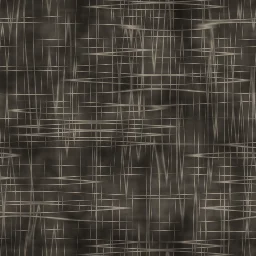
Intense surface degradation with deep scratches, heavy stains, and strong contrast. Perfect for industrial decay, urban grit, and post-apocalyptic textures.
Dirty Wall
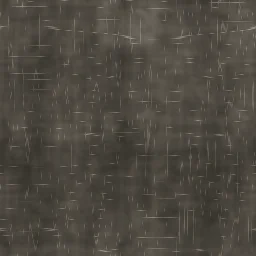
Stained wall surface with dirt accumulation and erosion marks. Great for urban alley walls, abandoned buildings, and weathered interior backdrops.
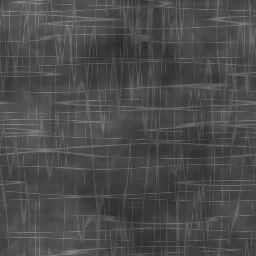
Scratched Metal
Metallic gray surface with prominent directional scratch marks. Ideal for worn steel panels, workshop surfaces, and industrial equipment textures.
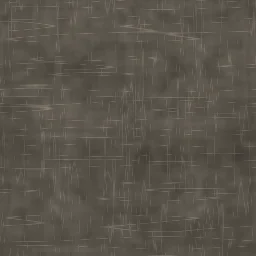
Distressed Paper
Worn paper surface with creases, stains, and edge deterioration. Perfect for vintage document backgrounds, aged poster effects, and antique map overlays.
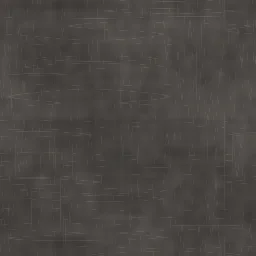
Light Wear
Subtle surface wear with faint scratches and minimal staining. Good starting point for adding gentle aging effects to clean surfaces.
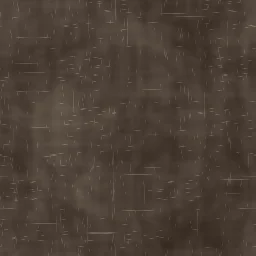
Rust Stain
Orange rust marks with large organic stains and moderate erosion. Ideal for corroded metal panels, industrial decay scenes, and weathered steel textures.
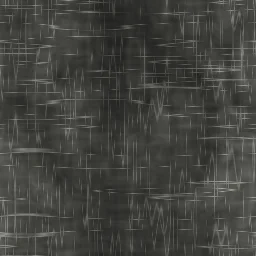
Concrete Decay
Crumbling concrete with heavy erosion, deep scratches, and dark grime buildup. Perfect for brutalist architecture, abandoned structures, and urban decay environments.
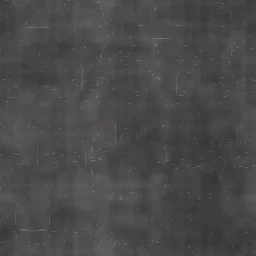
Spray Paint
Graffiti-like spray paint overlay with soft stains and minimal scratching. Suited for street art backgrounds, urban wall textures, and creative design overlays.
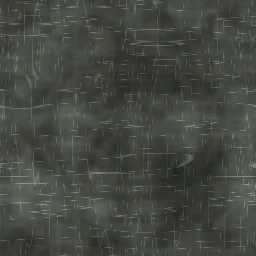
Acid Wash
Bold 80s-style acid wash denim with heavy fade patches and prominent wear marks. Ideal for retro fashion textures, vintage 1980s designs, and nostalgic denim fabric renders.
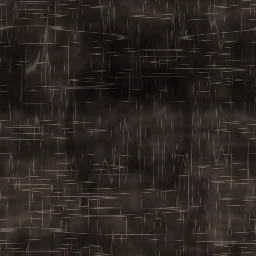
Burned Surface
Fire-damaged surface with extreme intensity, heavy staining, and high contrast charring. Ideal for fire damage scenes, scorched earth textures, and post-disaster environments.
Grunge Texture Generator FAQ
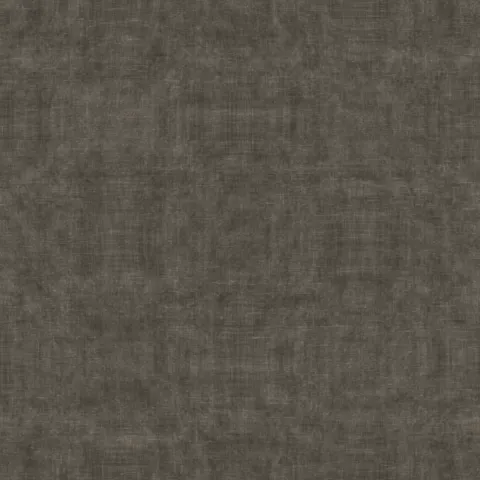
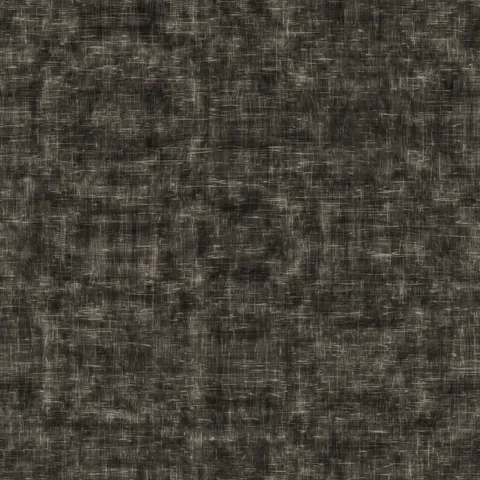
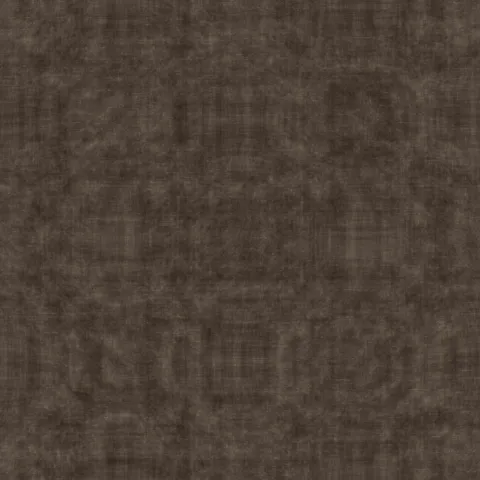
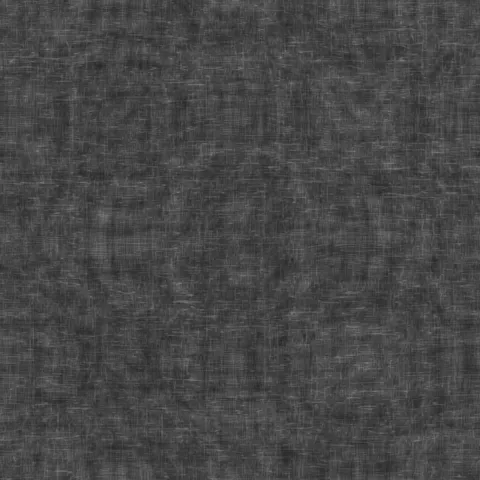
Textures Made With This Generator
View all 10 textures →

Process Your Grunge Texture Generator Texture
Use our free browser-based tools to enhance, mix, and analyze your textures.
Texture Mixer
Blend this texture with another for unique combinations.
Make Seamless
Ensure perfect seamless tiling for any image.
Normal Map Generator
Generate normal maps from your texture for 3D and PBR workflows.
Color Palette Extractor
Extract the dominant colors from your texture.
All tools run in your browser — no uploads, no servers.
How the grunge generator works
The algorithm
The grunge generator composites multiple noise layers with edge-detection-based masking to produce an aged, weathered, dirty overlay texture. A base FBM pass creates large tonal variation. A separate high-frequency noise adds fine dust and grain. Edge-based masking extracts high-contrast regions to use as scratches and scuff marks. Optional photocopy-style contrast boosts turn smooth noise into crisp black-and-white blocks that can be composited over any other texture for an instant aged look.
What the parameters do
grime is the master intensity of the dirt layer. scratches adds edge-mask lines. fade desaturates the output, useful when grunge is being composited over colourful base textures. photocopy pushes the output into high-contrast black-and-white with banding.
What it's good for
Distressed design trends, vintage poster art, skateboard deck graphics, music album covers, grungy web hero backgrounds, and as an overlay layer composited over photography to add instant aged character.
Practical tips
Grunge works best as an overlay, not as a primary texture. Export it with alpha transparency (using photocopy mode at high contrast) and multiply-blend it over whatever you are texturing. A 20-30% opacity composite over a clean base usually achieves the right balance of character versus legibility.
Related Generators
Explore more free seamless texture generators with full customization and instant PNG download.